
Getting Started

How to Download, Access & Login to PocketX Mobile App

Download and log in to PocketX mobile trading app on Android and iOS. Setup biometrics, MPIN, and 2FA authentication.

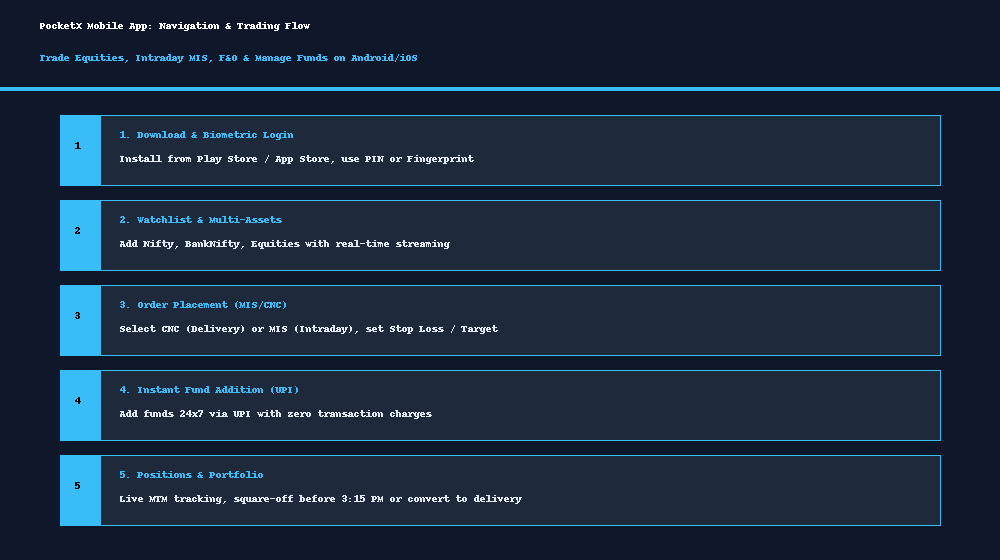
PocketX Mobile App Navigation and Trading Guide

App Download Links

First-Time Login Steps

  1. Open PocketX: Launch the app on your mobile device.
  2. Enter Client Code: Type your 6/7-character ATS Client Code.
  3. Enter Password: Input your password. For first-time login, use the temporary password sent to your registered email.
  4. Set 4-Digit MPIN: Create a secure 4-digit PIN for swift daily unlocking.
  5. Enable Biometrics: Activate Fingerprint or Face ID login for fast and secure access without typing passwords each time.

Request a callback

Leave your details and our support team will call you back.

Get started with ATS

Open a free demat & trading account, or let us call you back — just leave your number.

Create a Support Ticket

Tell us what you need help with — our team will get back to you shortly. Urgent? Call +91 766 727 3344.