
PocketX guide
Charts in the ATS Web Terminal
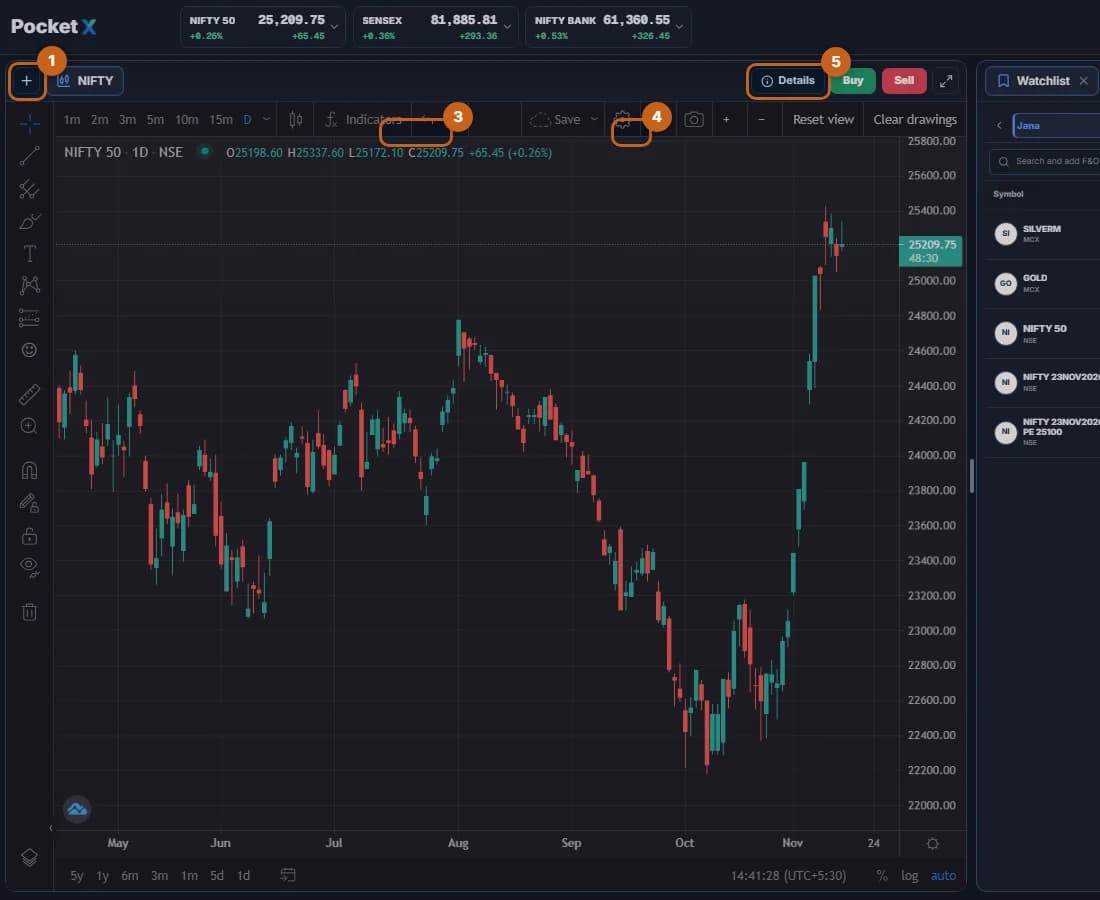
The chart is the centre of the terminal, with candlesticks, indicators and drawing tools, plus Buy and Sell buttons for the charted instrument.
- 1 section
- 5 steps
- 1 min read
PocketX guide
The chart is the centre of the terminal, with candlesticks, indicators and drawing tools, plus Buy and Sell buttons for the charted instrument.
Open a free demat & trading account, or let us call you back — just leave your number.