User Profile guide
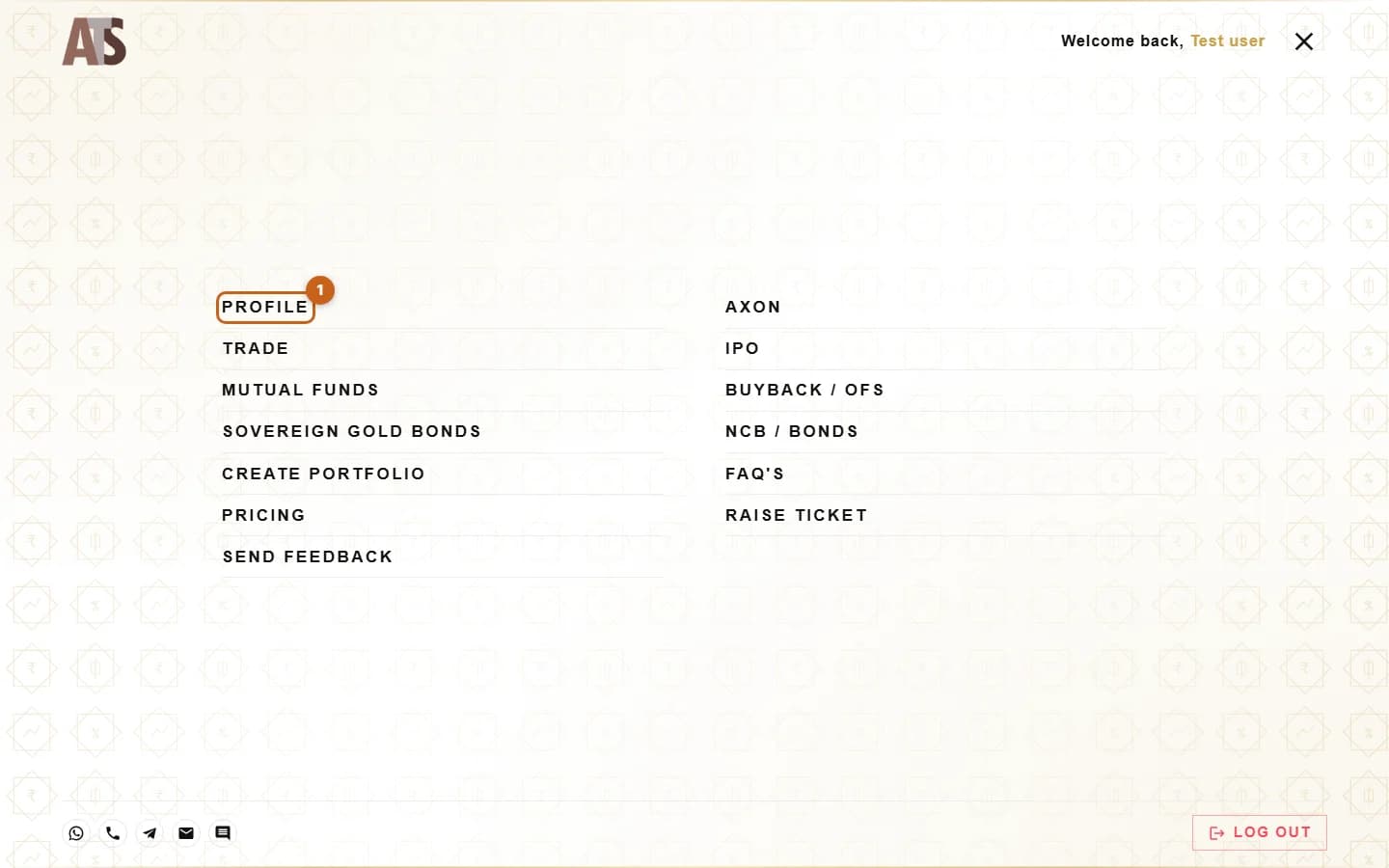
How to Open Your User Profile on adityatrading.in
Your User Profile at adityatrading.in/userProfile/ is where you view your account details and make changes yourself: mobile and email, bank accounts, nominees, POA/DDPI, MTF, trading segments, annual income, account freeze and closure.
- 4 sections
- 10 steps
- 2 min read
In this guide
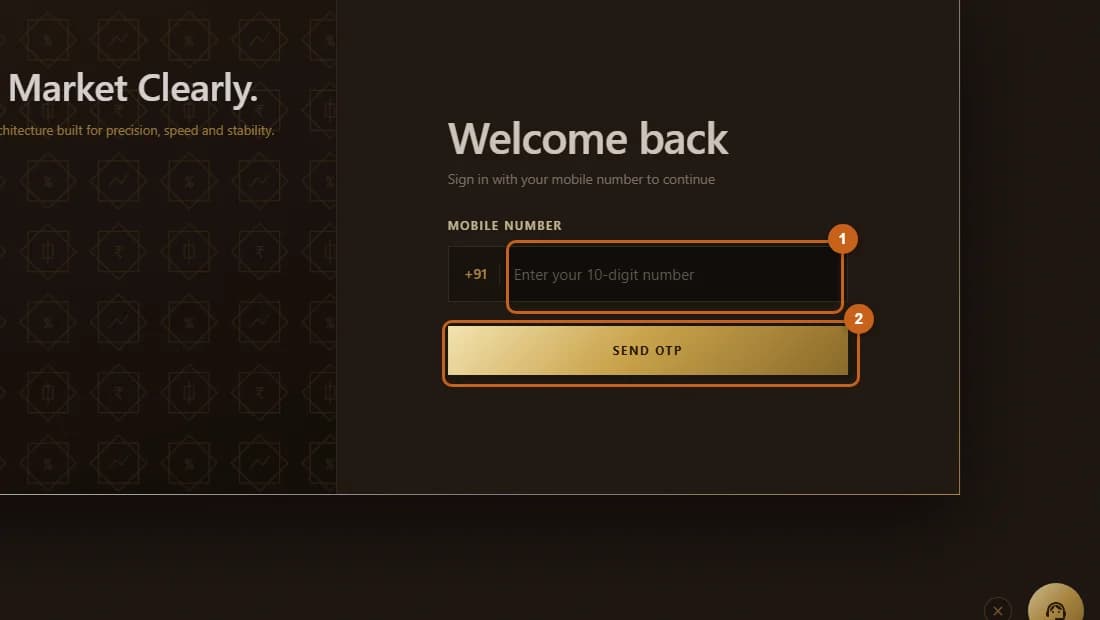
Sign in to adityatrading.in
Sign in with your registered mobile number and the OTP sent to it.
2 steps →The profile screen
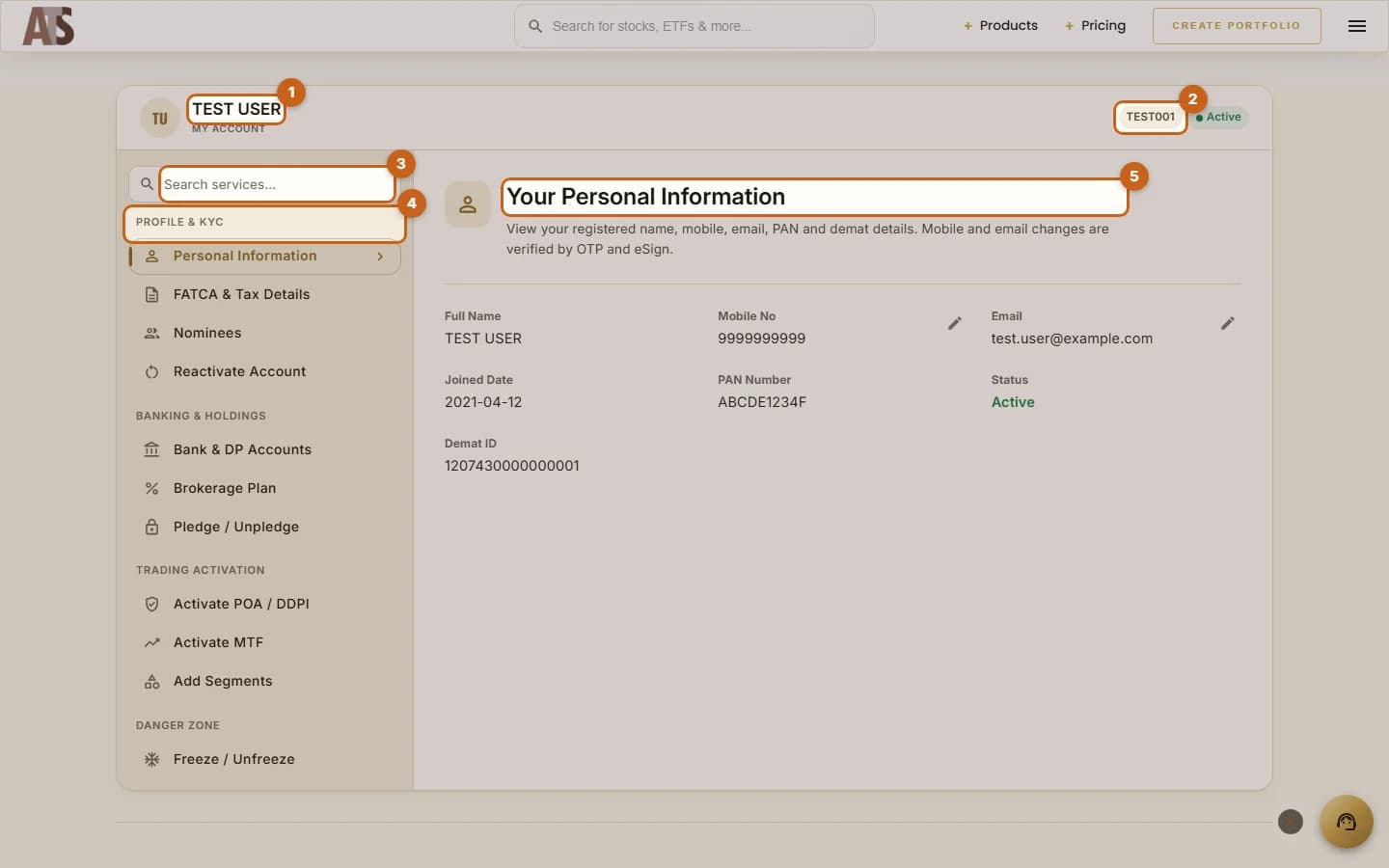
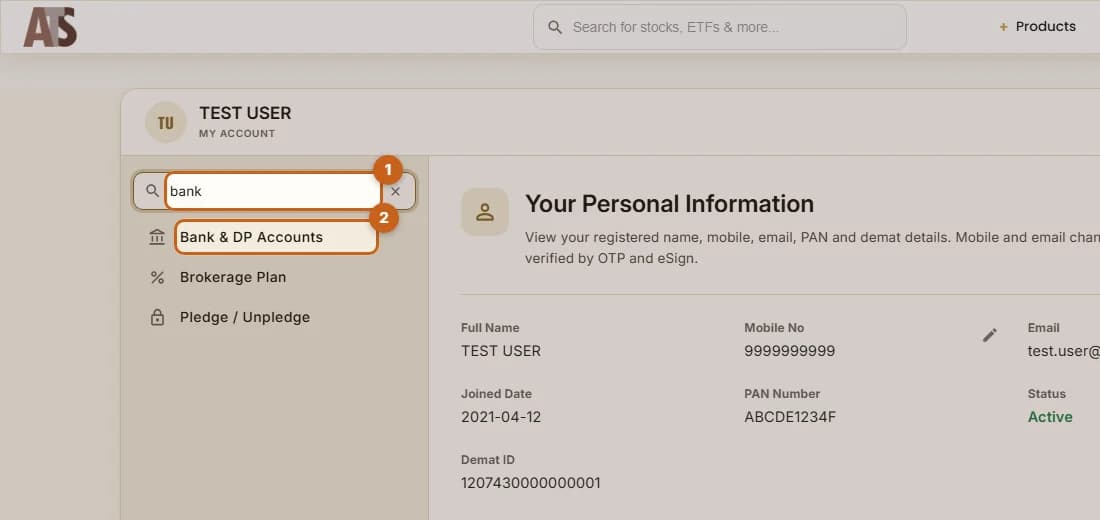
Your name and client code at the top, the feature menu on the left, details on the right.
5 steps →