User Profile guide
How to View and Update Your Personal Information
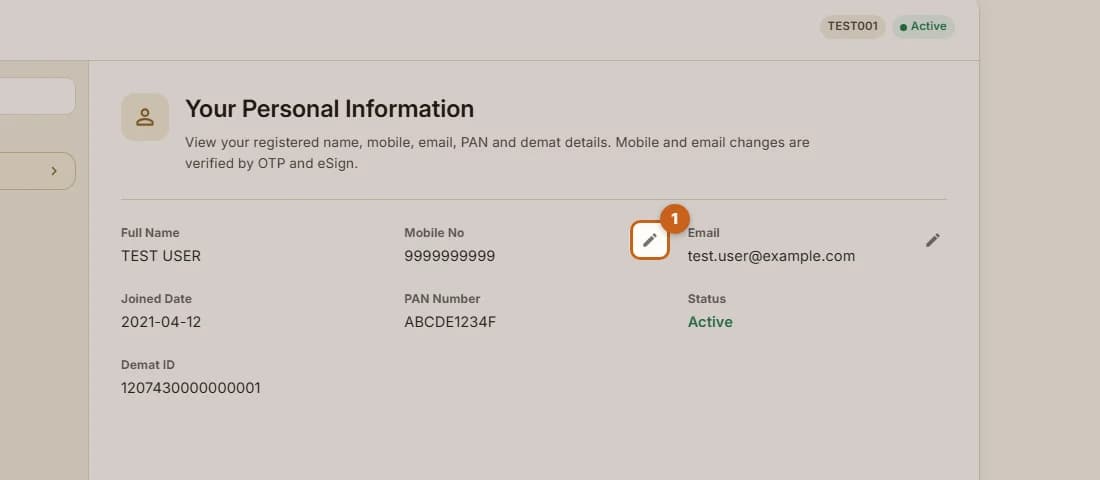
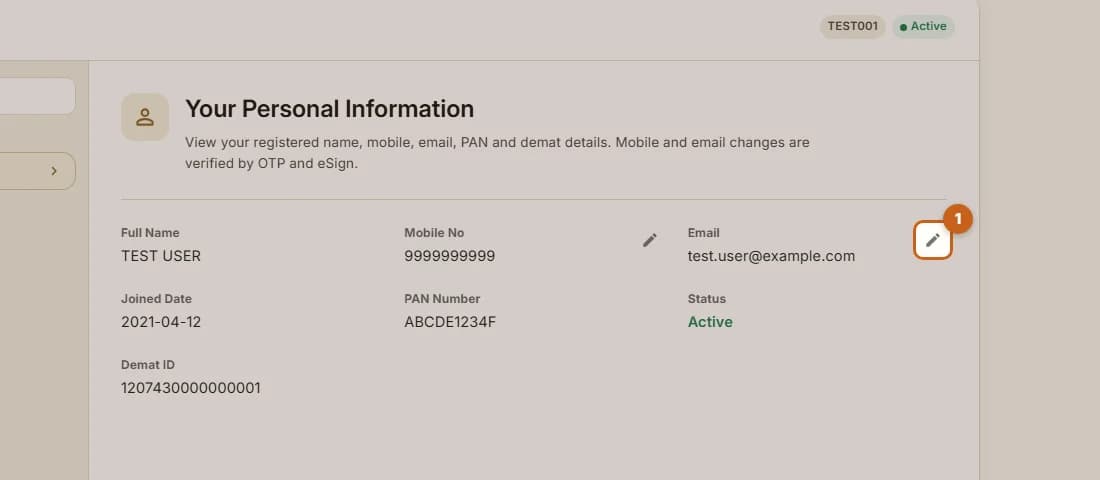
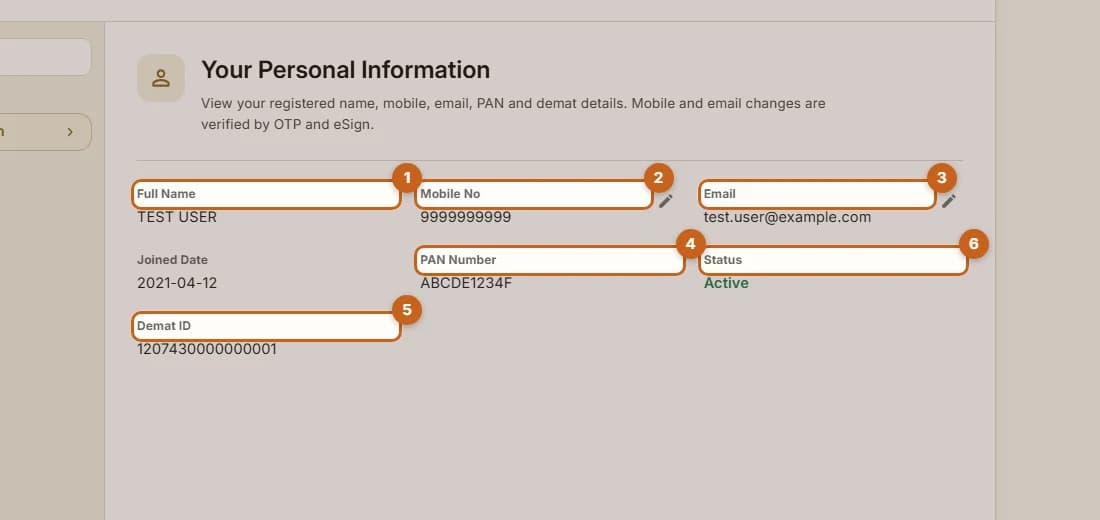
Personal Information shows the details registered on your trading and demat account. You can change your mobile number and email yourself: each change is confirmed with OTPs on the old and new contact, then Aadhaar eSign.
- 3 sections
- 20 steps
- 5 min read
In this guide
Change your mobile number
Verify your current contact, enter the new number, verify it and eSign.
7 steps →Change your email address
Verify your current contact, enter the new email, verify it and eSign.
7 steps →