Website IPO guide

How to Sign In to Apply for an IPO

You can browse IPOs on adityatrading.in without signing in, but you must sign in to apply. Sign-in uses the mobile number registered with your ATS trading account and a 6-digit OTP. There is no password to remember.

  • 3 sections
  • 7 steps
  • 2 min read
adityatrading.in header with the LOGIN button highlighted

In this guide

  1. Open the sign-in page

    Go to adityatrading.in and press LOGIN at the top of the page.

    2 steps →
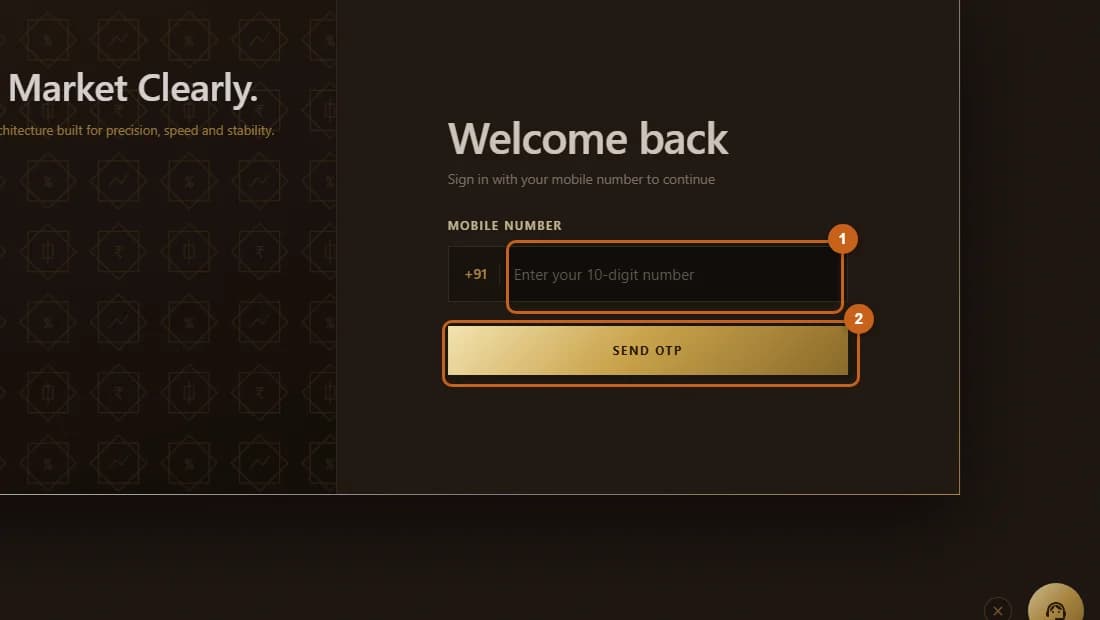
  2. Enter your mobile number

    Type the 10-digit mobile number registered with your ATS account and press SEND OTP.

    2 steps →
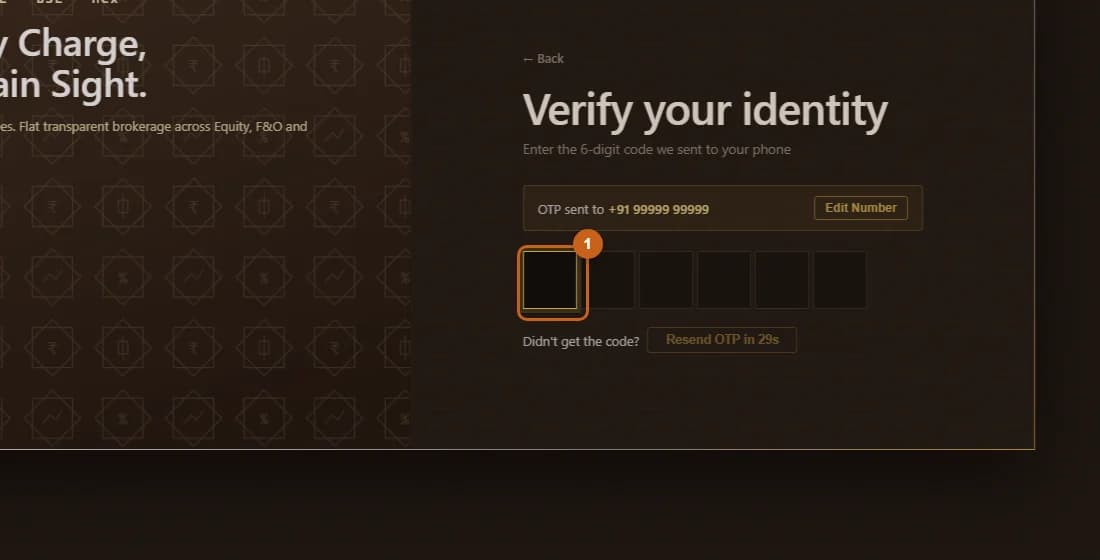
  3. Verify the OTP

    Enter the 6-digit OTP sent to your phone to finish signing in.

    3 steps →

Get started with ATS

Open a free demat & trading account, or let us call you back — just leave your number.

Create a Support Ticket

Tell us what you need help with — our team will get back to you shortly. Urgent? Call +91 766 727 3344.