Website IPO guide
Track, Modify or Cancel Your IPO Application
After you apply, the same IPO page shows your application's progress, from the UPI mandate to allotment and listing. While the issue is open, you can change your bid or cancel it.
- 3 sections
- 6 steps
- 2 min read
In this guide
Check your application status
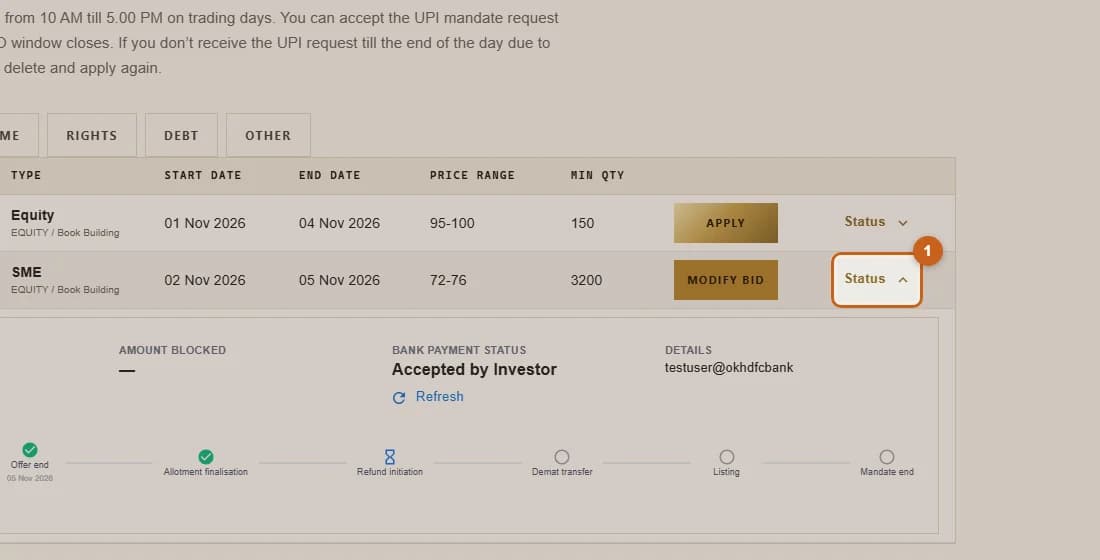
Open Status on an IPO you applied for to see the mandate, blocked amount and timeline.
3 steps →See your bids history
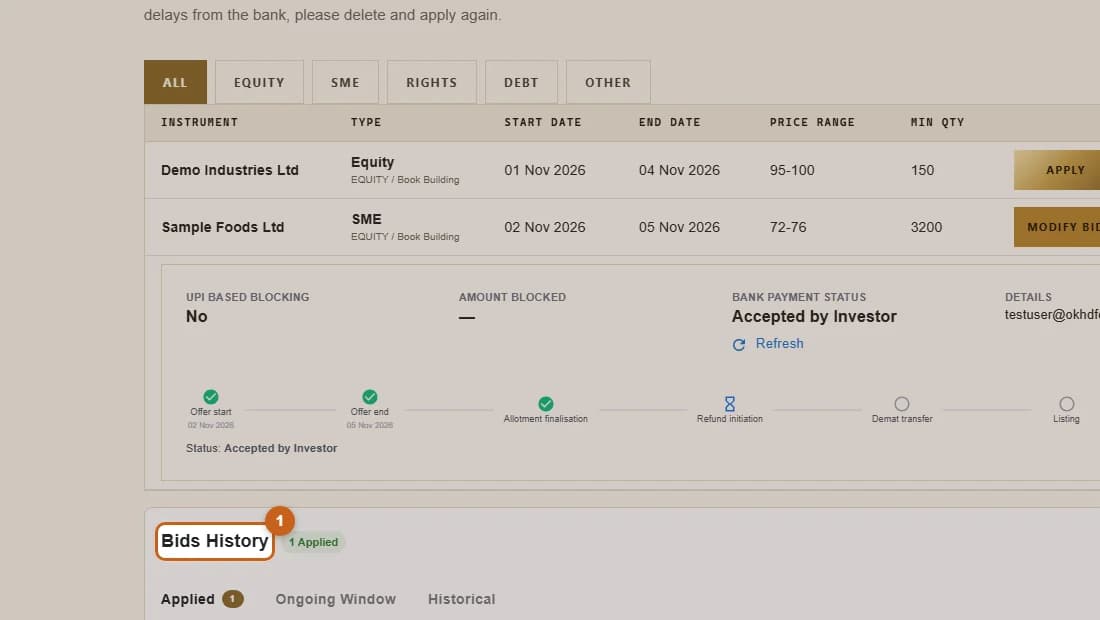
Bids History lists every IPO application you have made, grouped by Applied, Ongoing Window and Historical.
1 step →Modify or cancel a bid
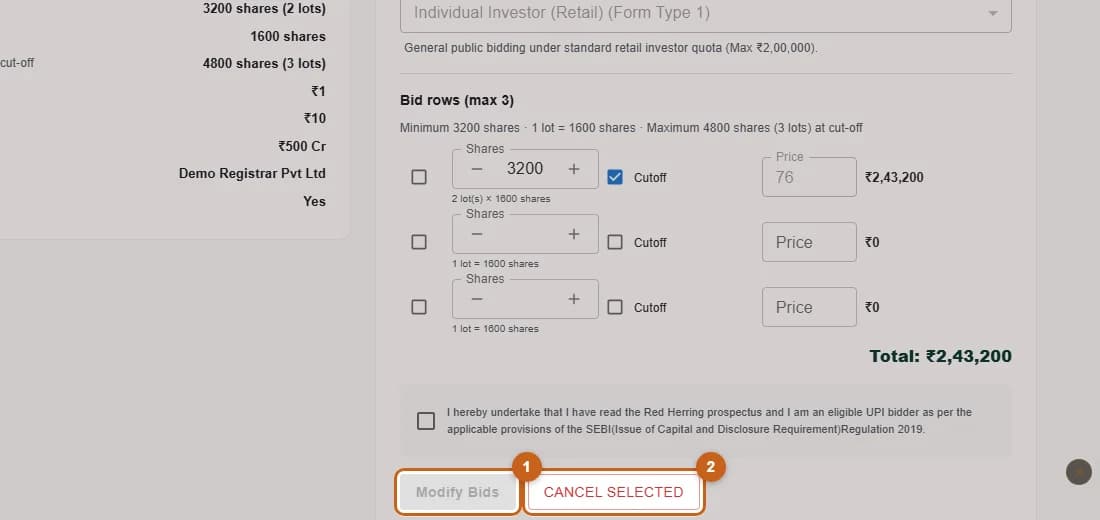
Change the quantity or price of a bid, or cancel it, while the IPO is still open.
2 steps →