Axon guide
Your Axon Dashboard Explained
The dashboard is the first screen after you log in. It summarises your investment, the margin you can trade with, and how your portfolio is doing.
- 3 sections
- 7 steps
- 2 min read
In this guide
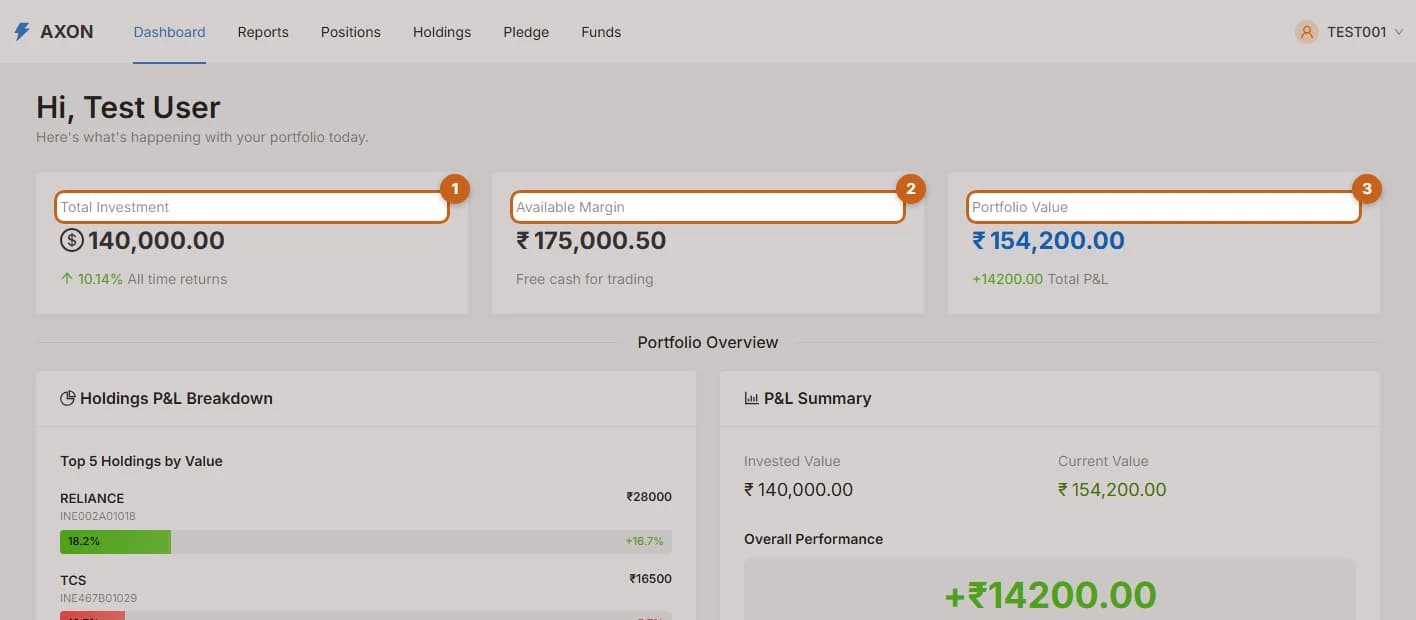
Investment, margin and portfolio value
The three summary cards on the Axon dashboard: Total Investment, Available Margin and Portfolio Value.
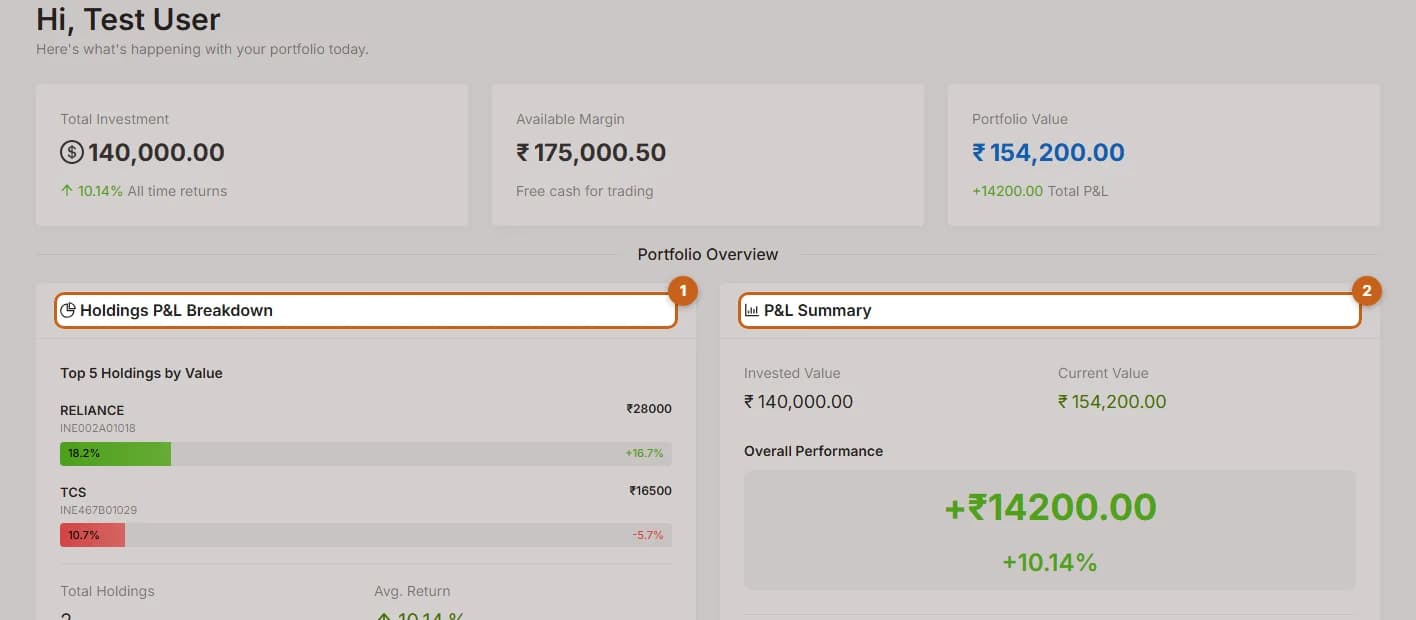
3 steps →Portfolio overview
Read the Holdings P&L Breakdown and P&L Summary panels on the Axon dashboard.
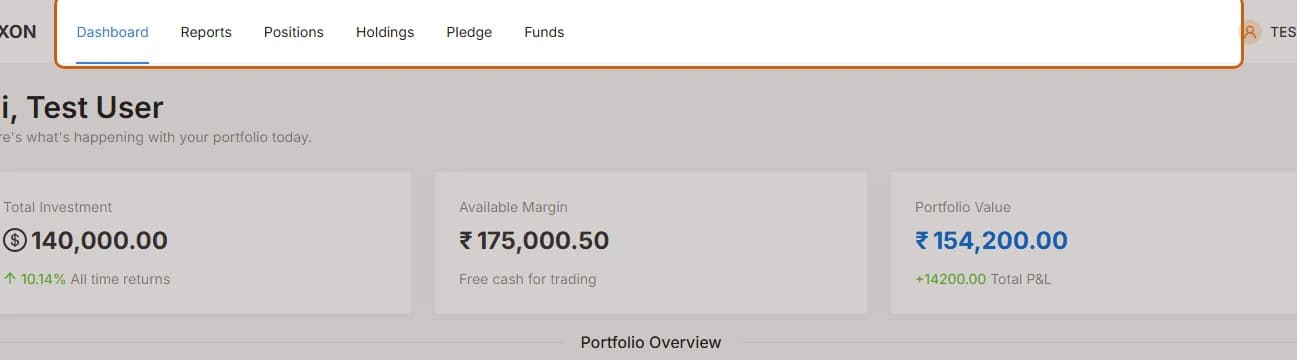
2 steps →Finding your way around
Use the Axon top menu to reach Reports, Positions, Holdings, Pledge and Funds.
2 steps →