Axon guide
How to Log In to Axon
You sign in to Axon with your ATS client code, then choose to log in with your password or with an OTP sent to your registered mobile number. If you came from adityatrading.in or the PocketX app, Axon can sign you in automatically.
- 4 sections
- 14 steps
- 3 min read
In this guide
Enter your client code
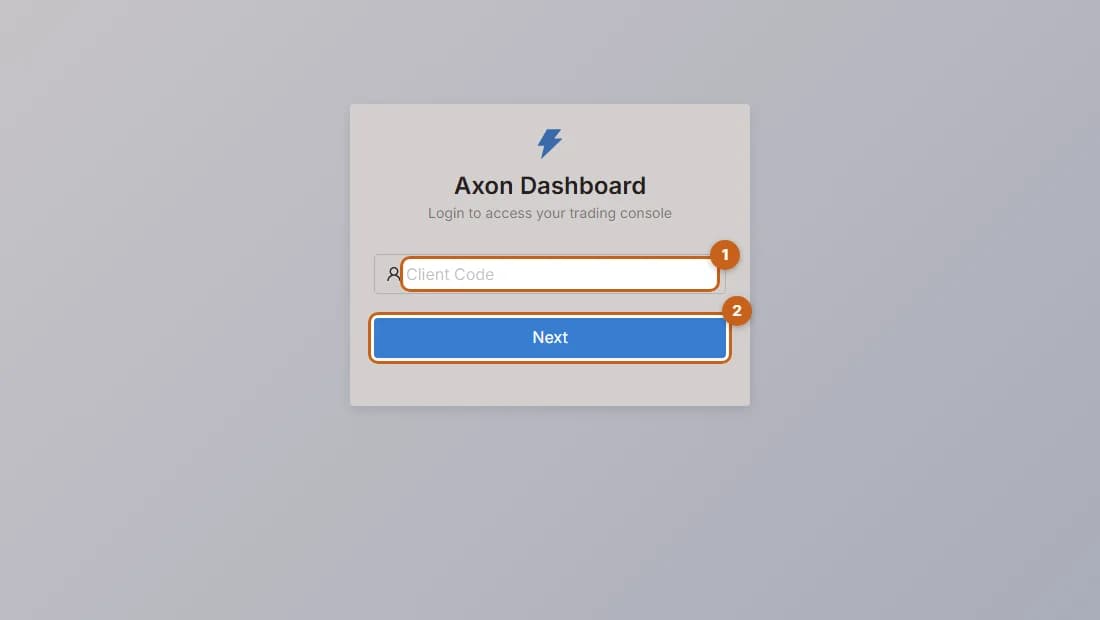
Start the Axon login by entering your ATS client code and pressing Next.
2 steps →Log in with your password
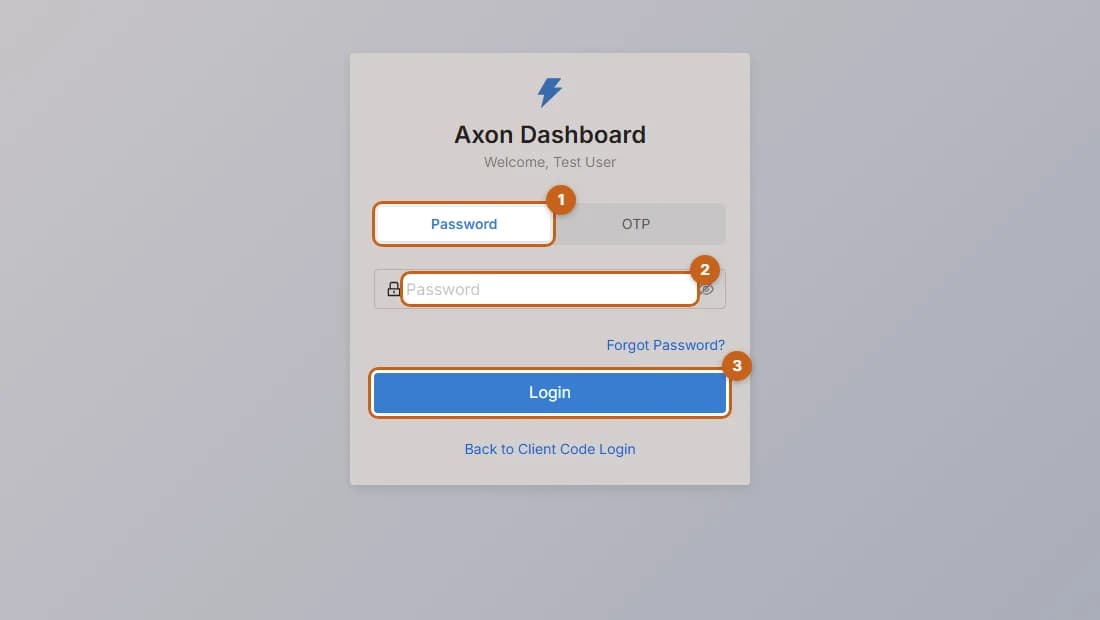
Choose the Password option, enter your Axon password and press Login.
3 steps →Log in with an OTP
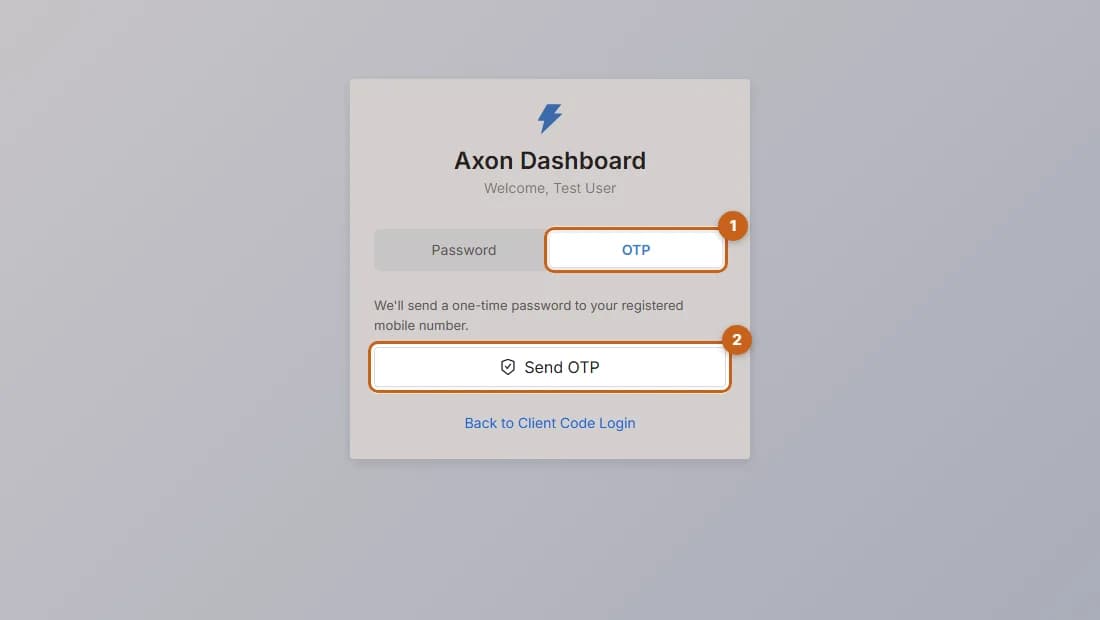
Log in to Axon without a password by verifying a one-time password sent to your registered mobile number.
4 steps →Reset a forgotten password
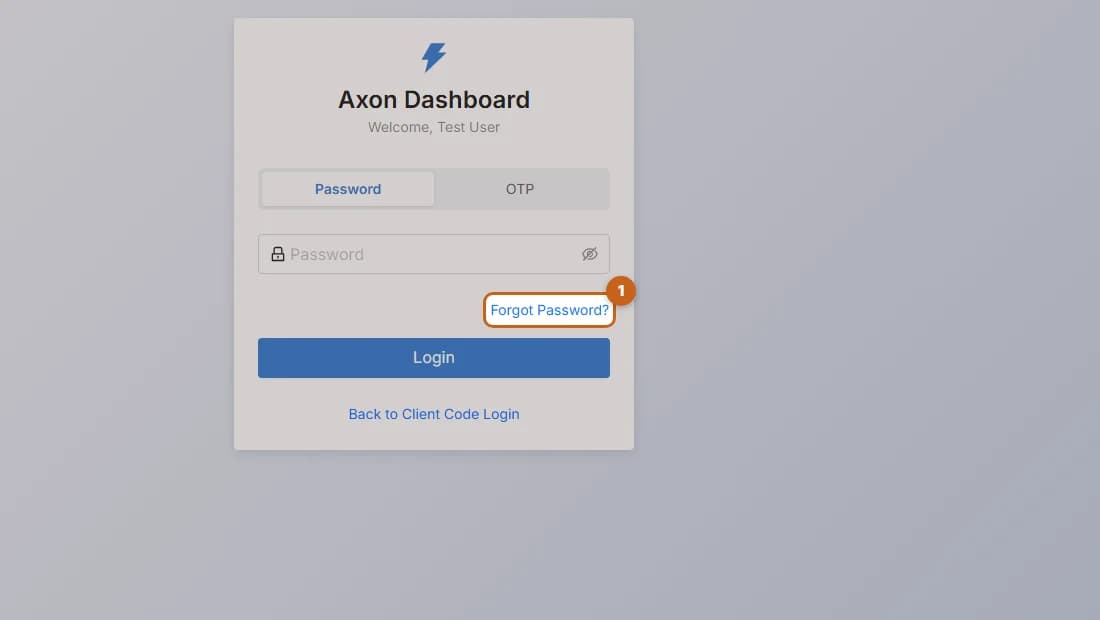
Reset your Axon password with an OTP and set a new password and optional PIN.
5 steps →