Axon guide
How to Add Funds in Axon
Use the Funds page in Axon to see your margin and to pay money into your trading account. The payment itself (UPI, net banking or bank transfer) happens on the secure ATS PayIn page, which opens in a new tab.
- 4 sections
- 9 steps
- 2 min read

In this guide
Check your available margin
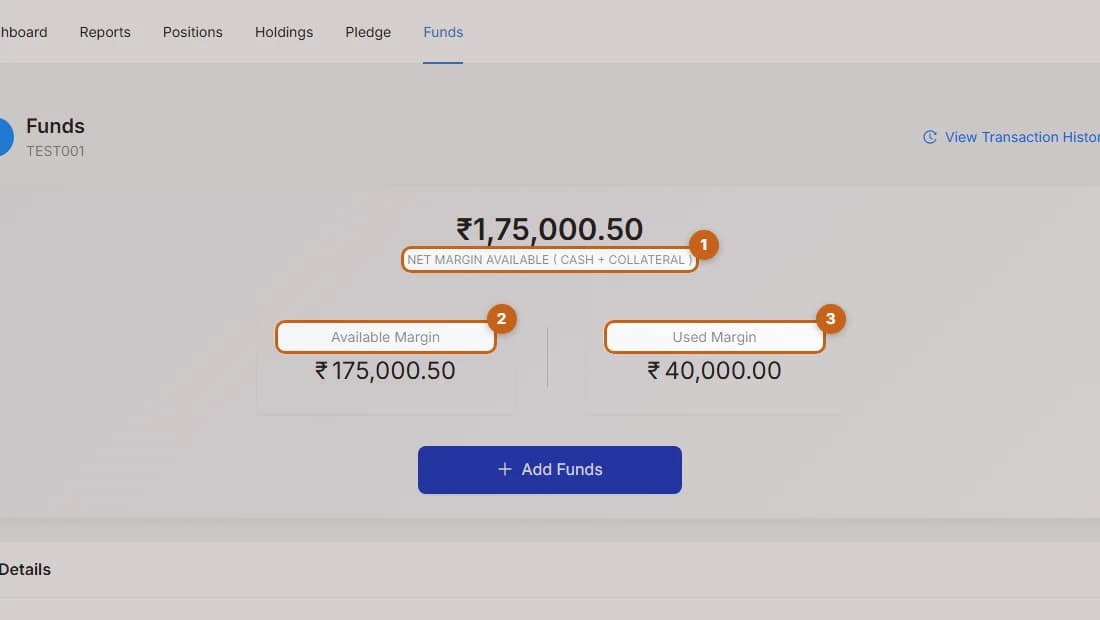
See your net margin, available margin and used margin before adding funds.
3 steps →Pay in by UPI, net banking or bank transfer
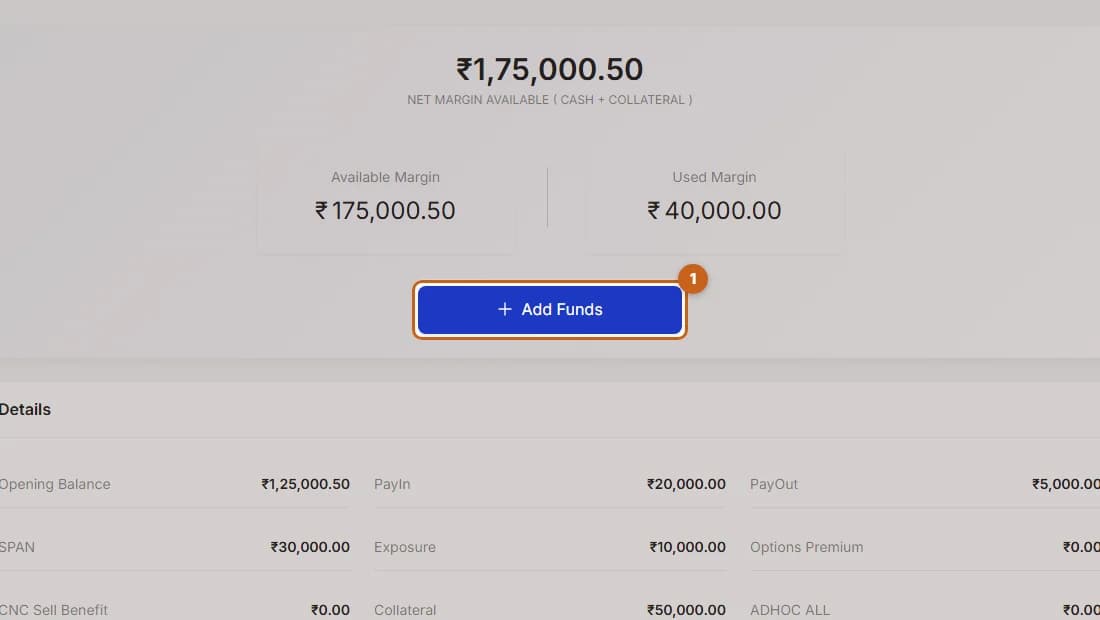
Press Add Funds in Axon to open the ATS PayIn page and pay by UPI, net banking or bank transfer.
3 steps →Margin details explained
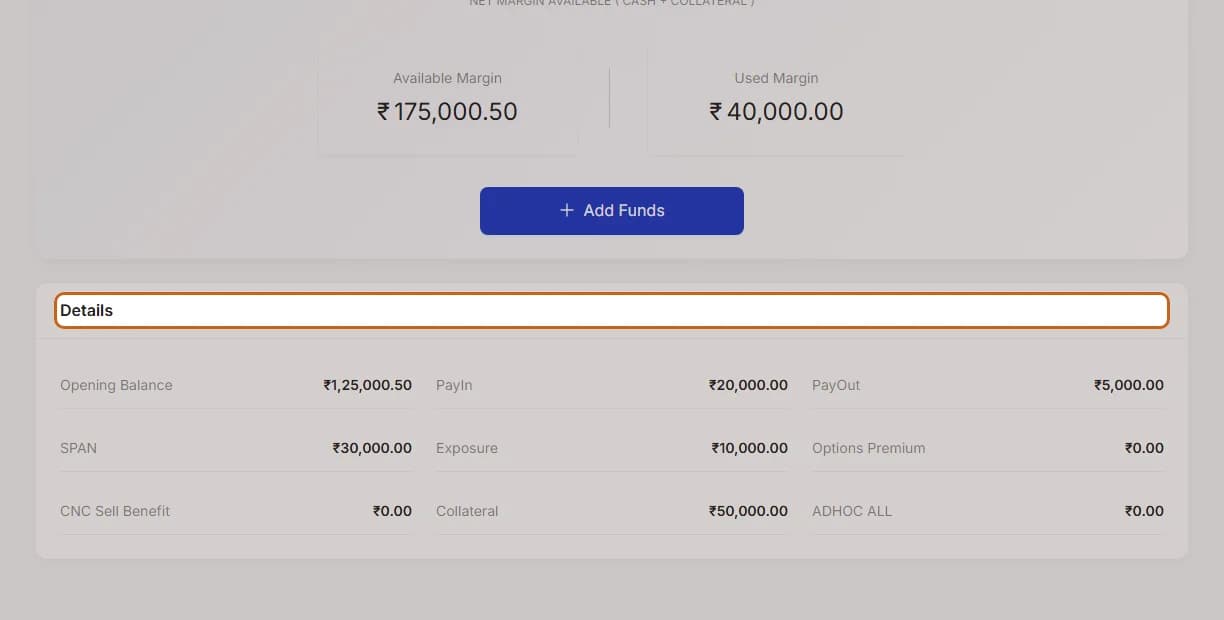
What Opening Balance, PayIn, PayOut, SPAN, Exposure, Collateral and other figures on the Axon Funds page mean.
1 step →