Axon guide
How to Pledge Shares for Margin in Axon
Pledging lets you use the shares in your demat account as margin for trading. You choose the shares in Axon and authorise the pledge on the CDSL website.
- 5 sections
- 9 steps
- 3 min read
In this guide
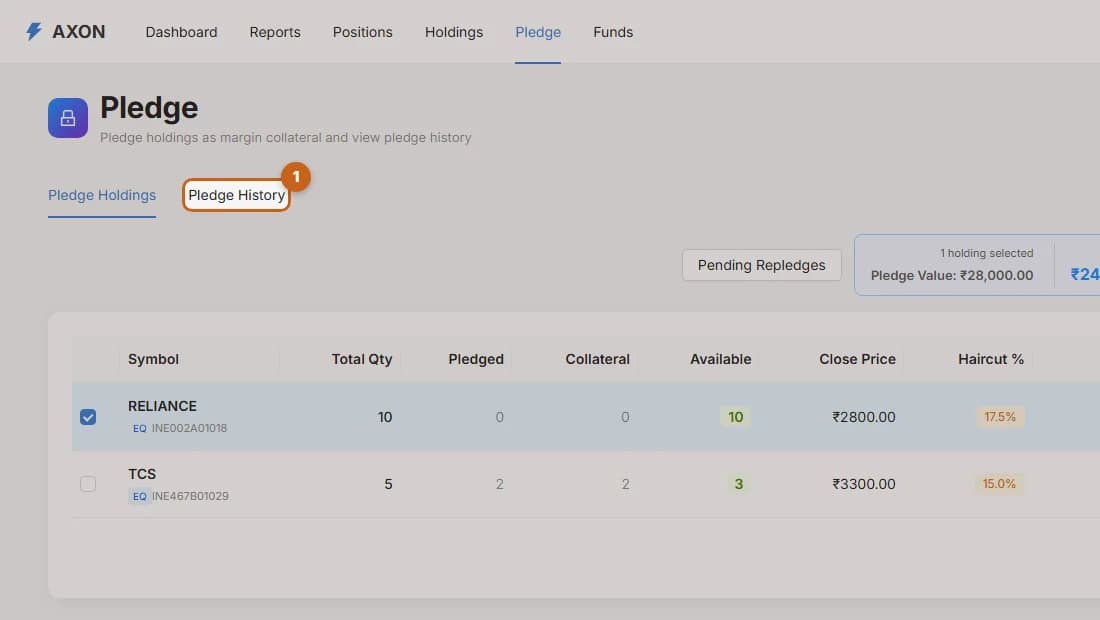
Select the shares to pledge
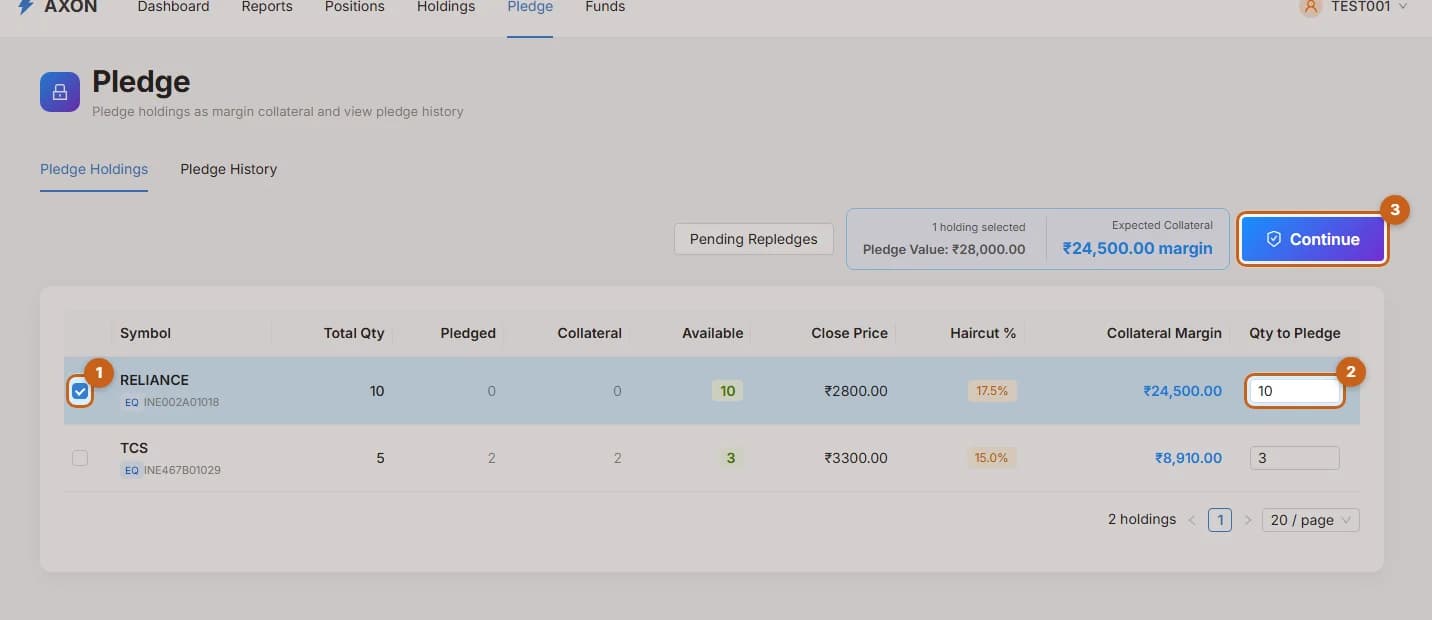
Choose holdings and quantities to pledge in Axon and see the collateral you will get.
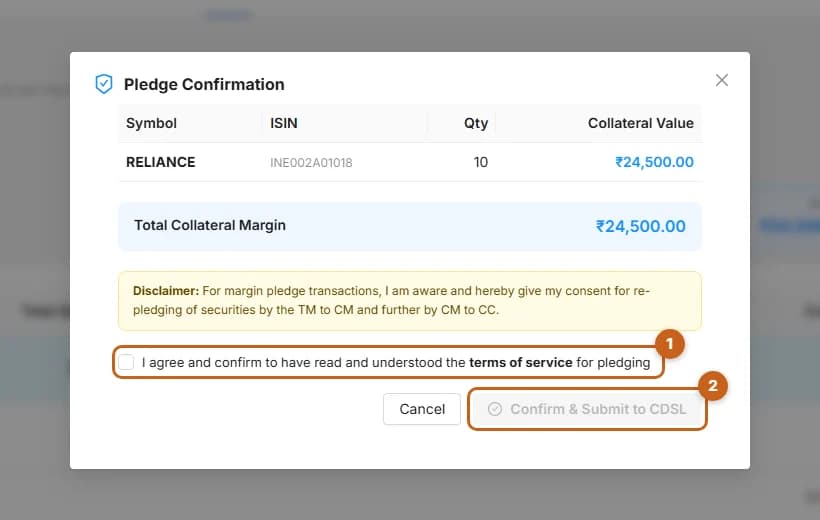
3 steps →Confirm and authorise on CDSL
Review the pledge, accept the terms and submit it to CDSL for authorisation.
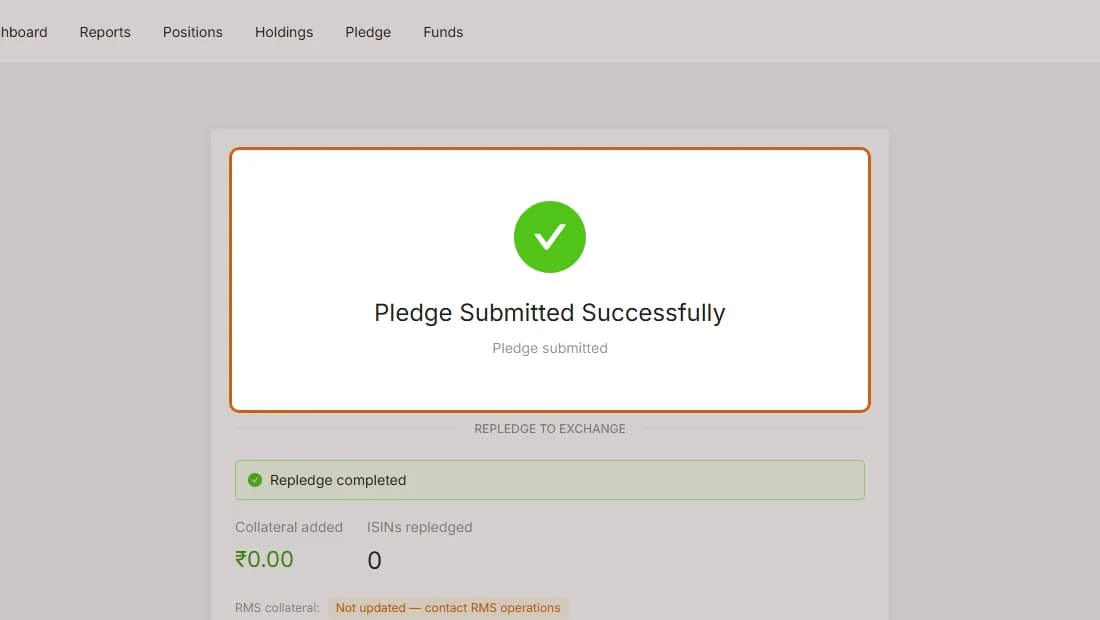
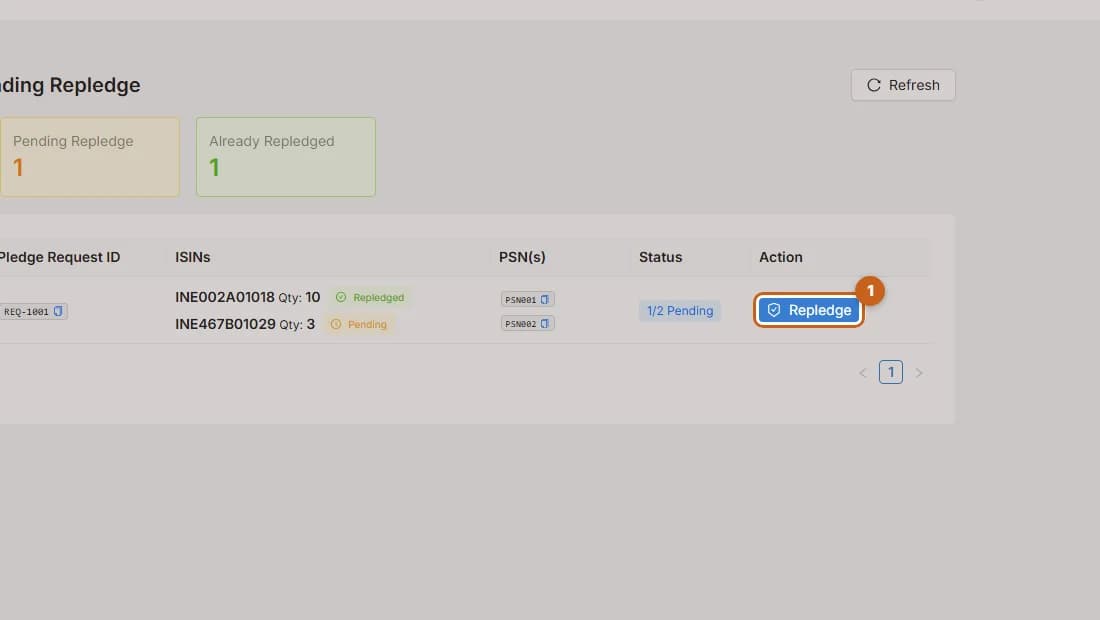
2 steps →After authorisation
What the success and failure screens mean after you authorise a pledge on CDSL.
1 step →