Axon guide
How to Withdraw Funds in Axon
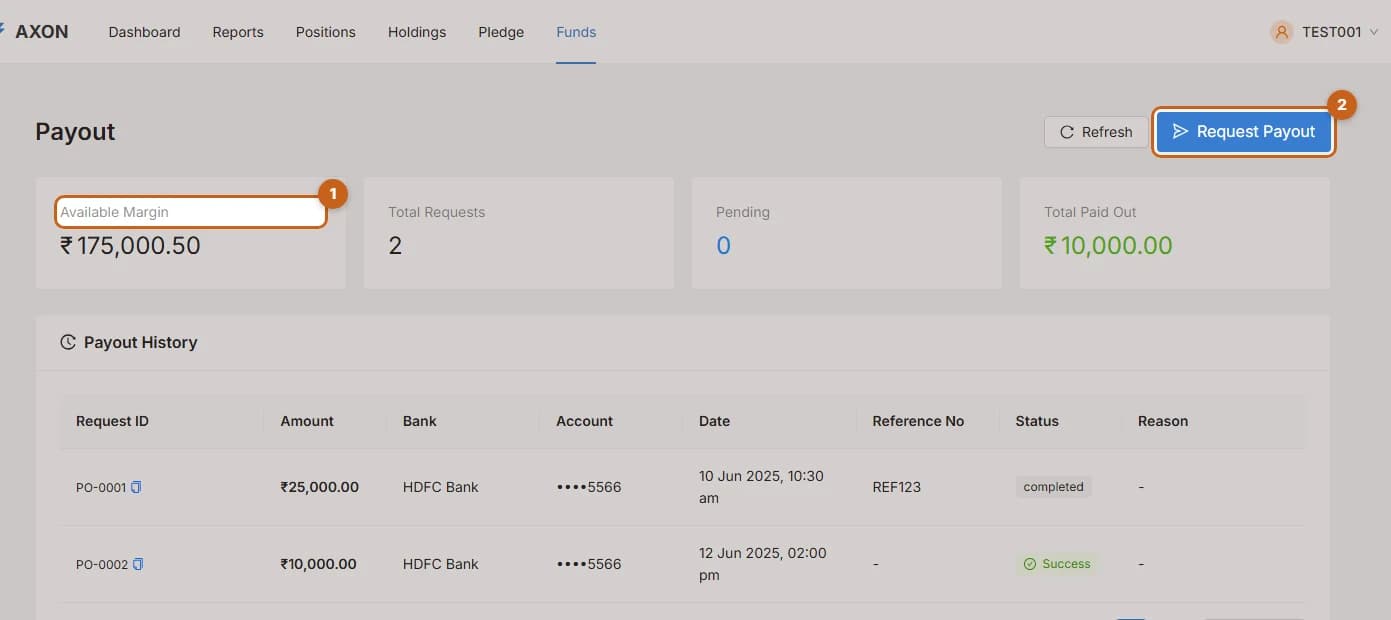
Use the Payout page to move money from your trading account to your registered bank account, and to follow every request you have made.
- 3 sections
- 8 steps
- 2 min read
In this guide
Request a payout
Enter an amount, choose your bank account and submit a payout request in Axon.
5 steps →Payout history
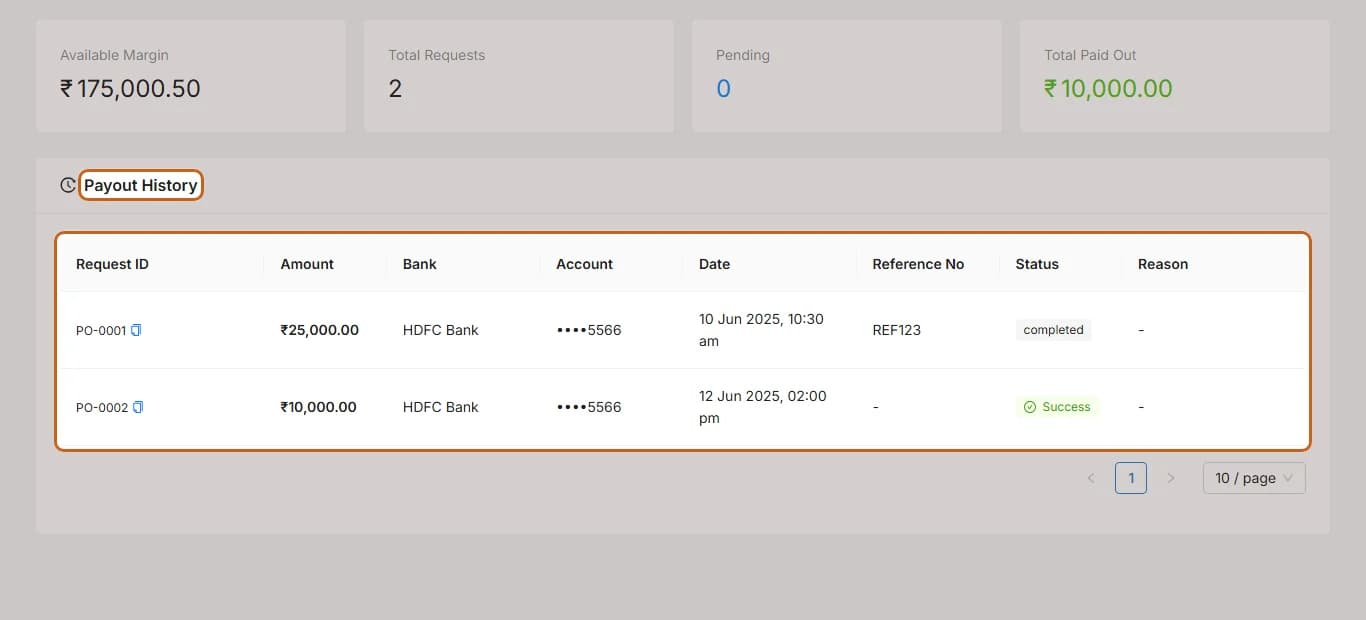
See every payout request you made in Axon, with amount, bank, date and reference number.
1 step →Track the status of a payout
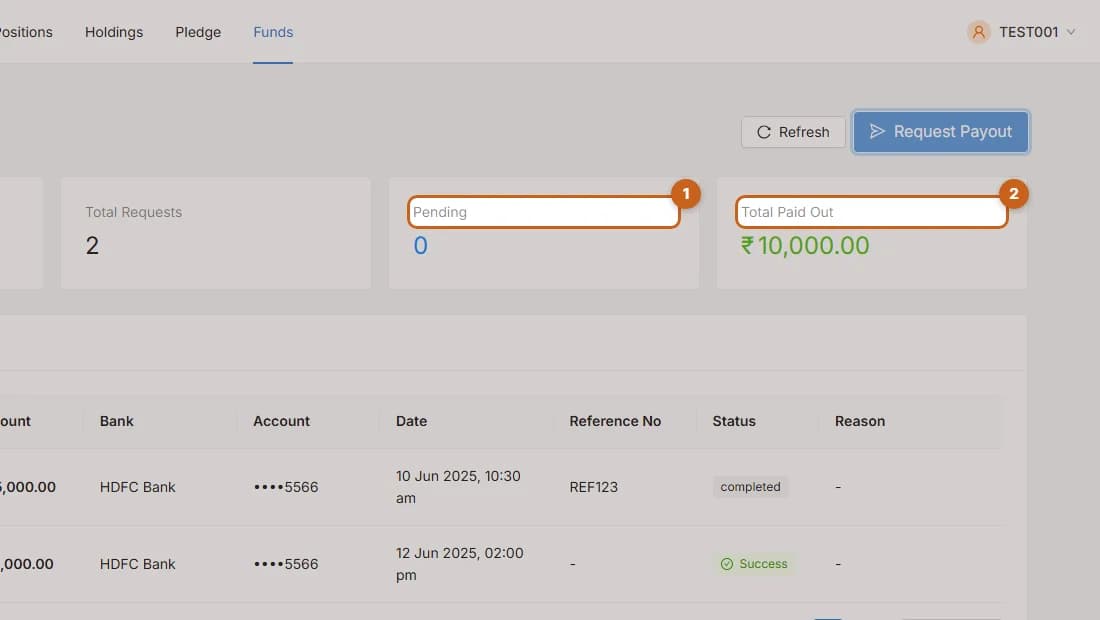
Understand payout statuses in Axon: Pending, Processing, Success, Rejected and Cancelled.
2 steps →