PocketX app guide
How to Buy and Sell Shares in the PocketX App
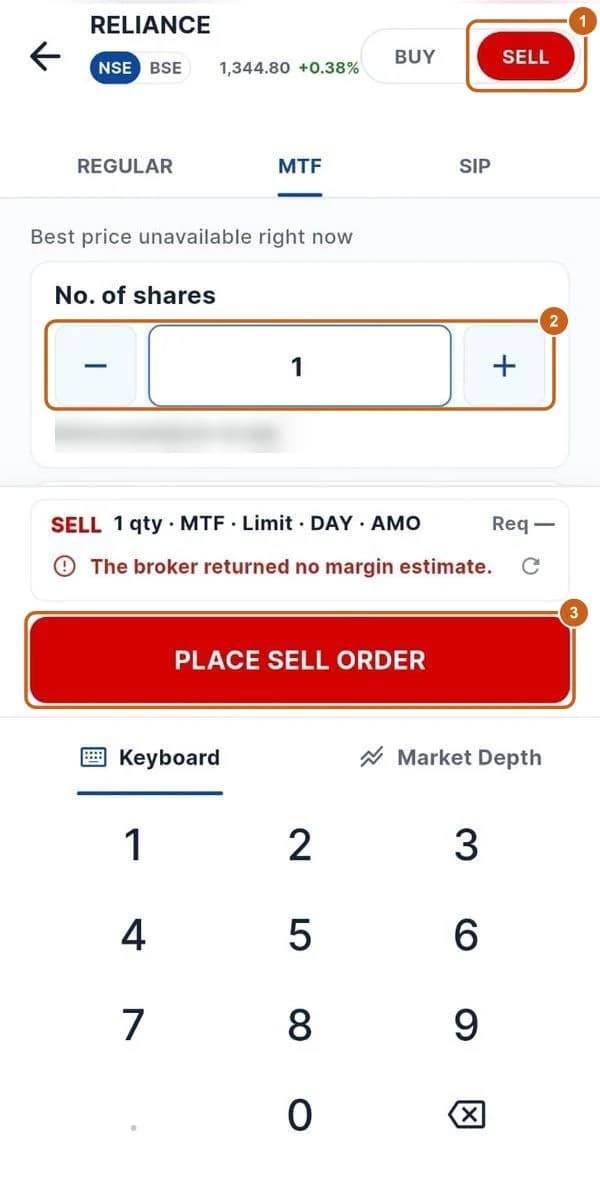
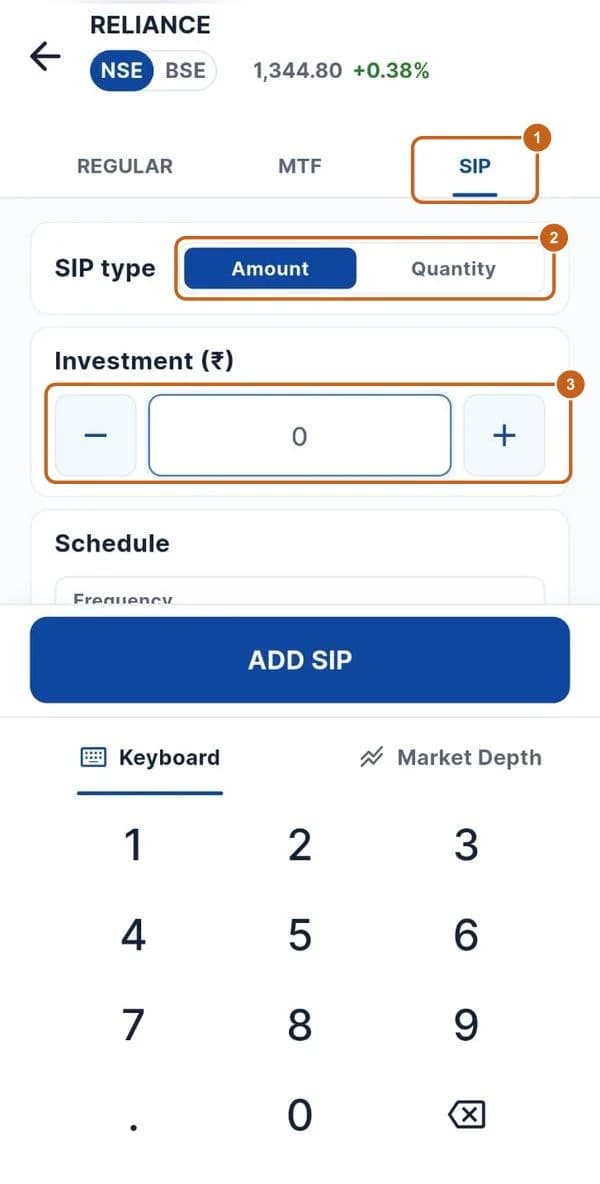
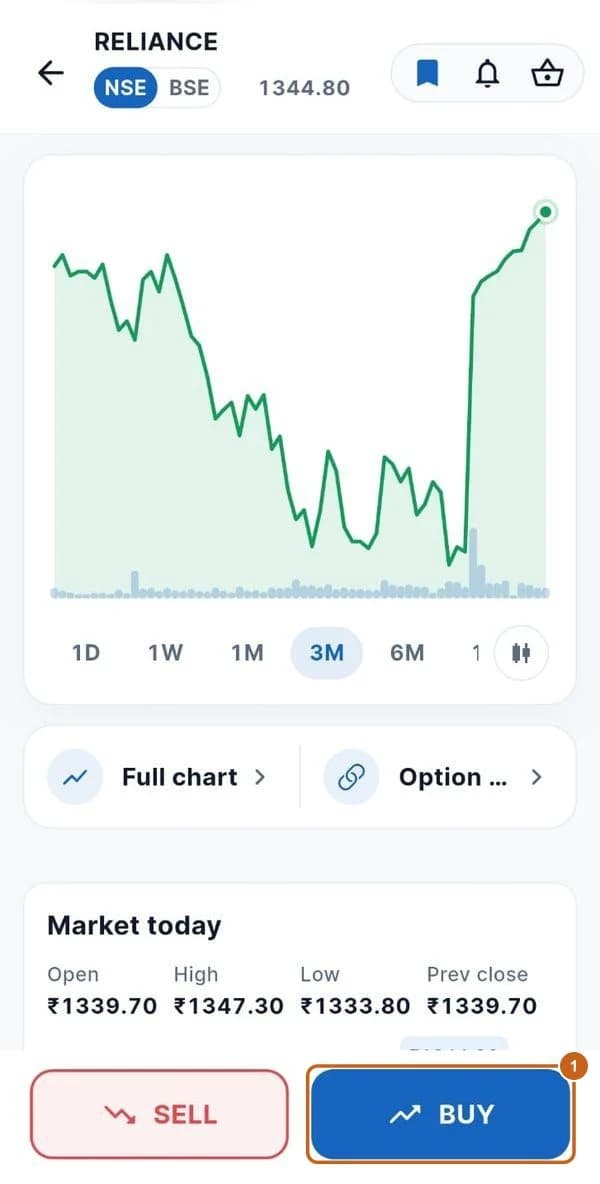
The order window opens when you press BUY or SELL on a stock page. Three tabs cover the ways to order: Regular (intraday or delivery), MTF (buy with margin funding) and SIP (buy the stock regularly). The summary above the button shows the margin needed before you place the order.
- 5 sections
- 28 steps
- 5 min read
In this guide
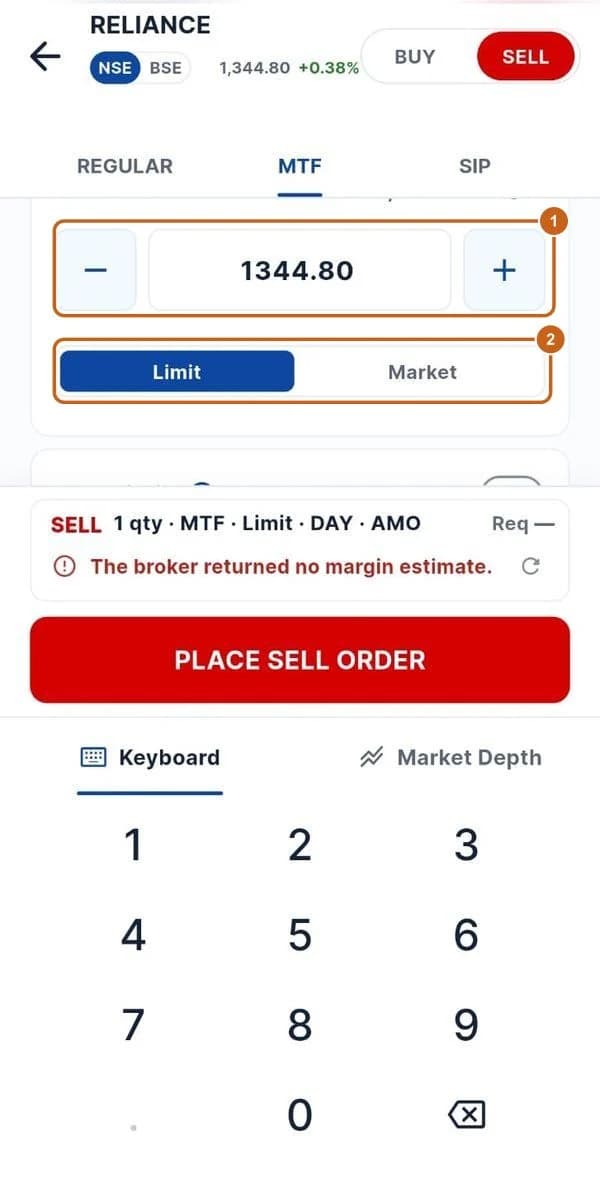
Price, order type, stop-loss and GTT
Limit or market price, stop-loss, GTT, validity and disclosed quantity.
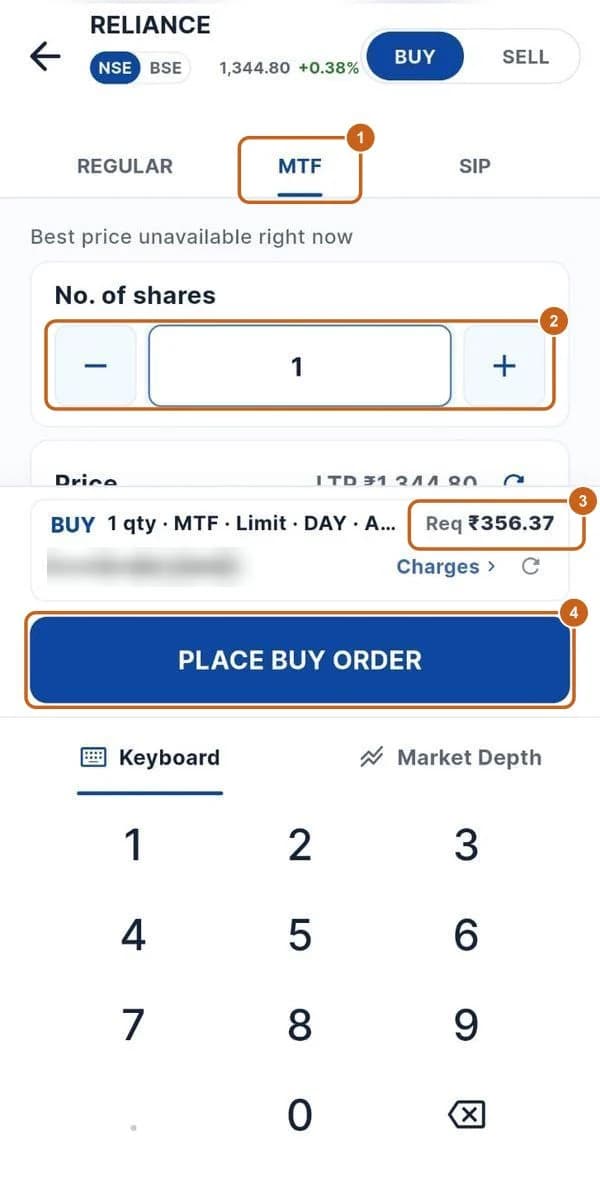
7 steps →Buy with MTF (margin trading)
Buy shares paying only part of the value with the Margin Trading Facility.
4 steps →