PocketX app guide

The PocketX App Home Screen

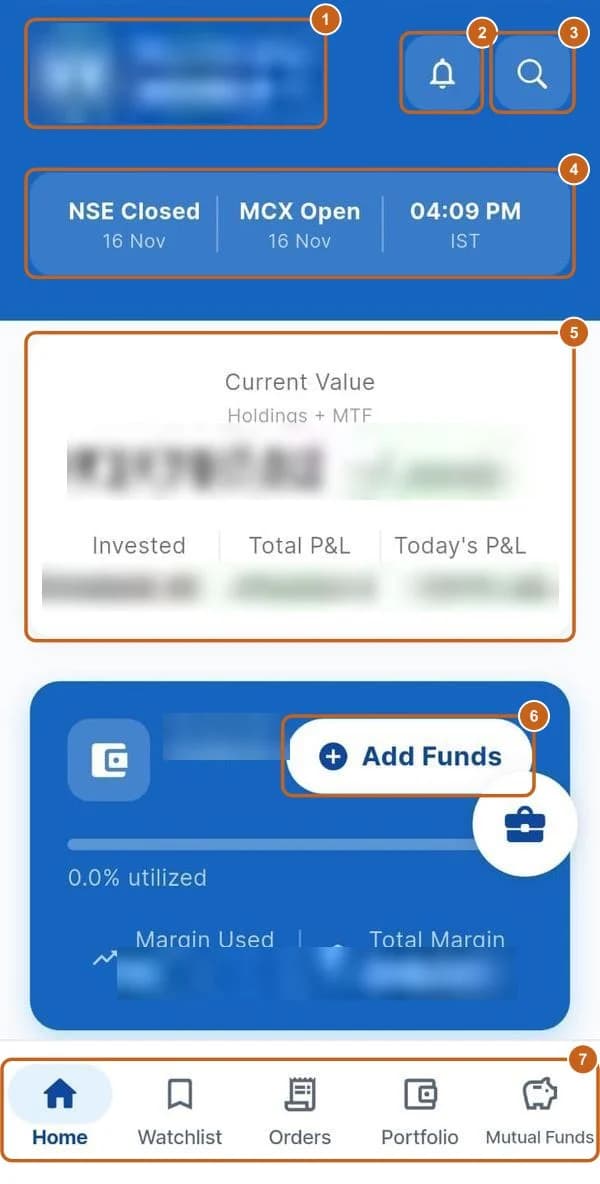
Home is the first screen after you sign in. It shows your portfolio and margin at a glance, whether the markets are open, the main indices and the day's top gainers and losers. The bar at the bottom takes you to Watchlist, Orders, Portfolio and Mutual Funds.

  • 3 sections
  • 13 steps
  • 2 min read
PocketX app home screen with the profile, notifications, search, market status, portfolio, Add Funds and bottom menu highlighted (personal values blurred)

In this guide

  1. Your home screen

    What each part of the home screen shows.

    7 steps →
  2. Market indices, gainers and losers

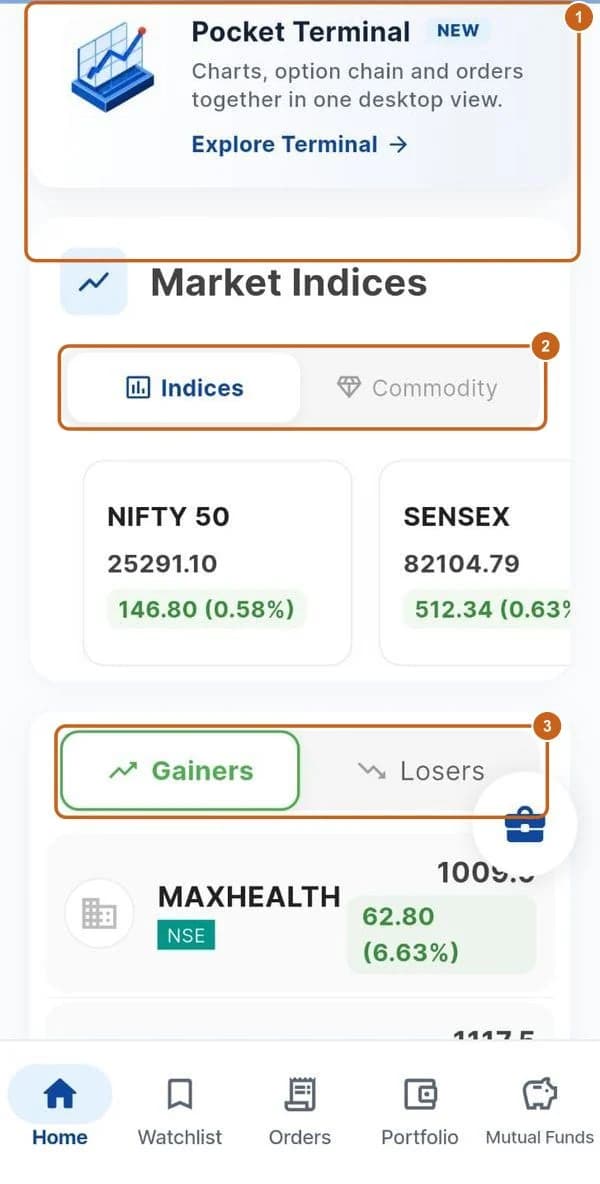
    Index and commodity prices, top gainers and losers, and the Pocket Terminal shortcut.

    4 steps →
  3. Notifications

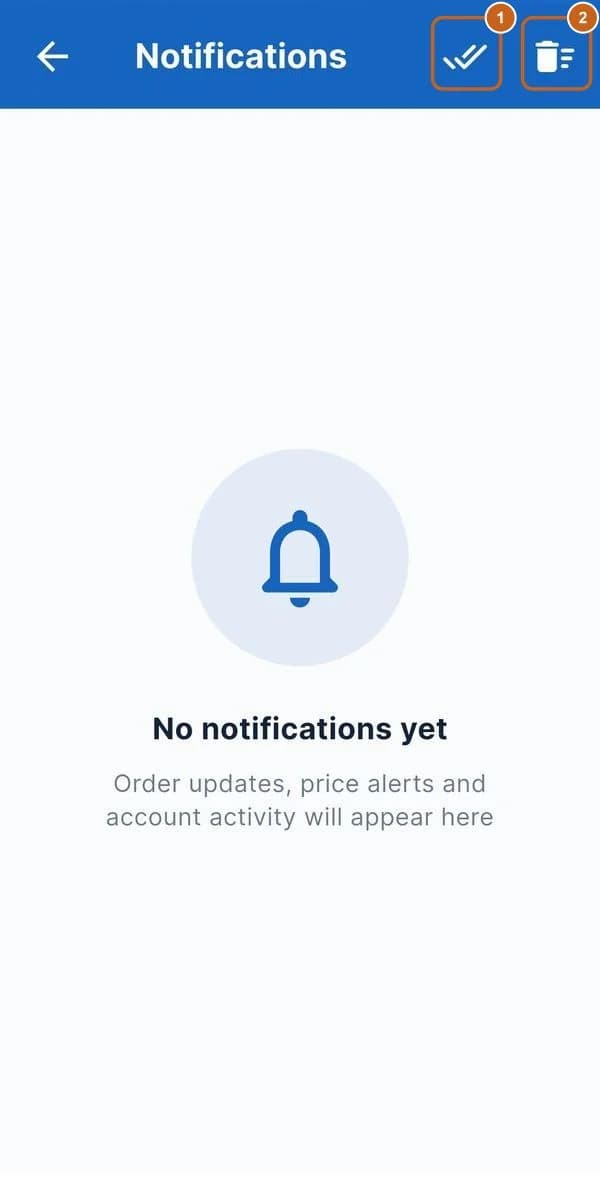
    Order updates, price alerts and account activity.

    2 steps →

Get started with ATS

Open a free demat & trading account, or let us call you back — just leave your number.

Create a Support Ticket

Tell us what you need help with — our team will get back to you shortly. Urgent? Call +91 766 727 3344.