PocketX app guide

How to Apply for an IPO in the PocketX App

IPO lists issues open for bidding and those coming up. You apply with your UPI ID: after you submit, approve the mandate in your UPI app before the bidding window closes.

  • 3 sections
  • 15 steps
  • 3 min read
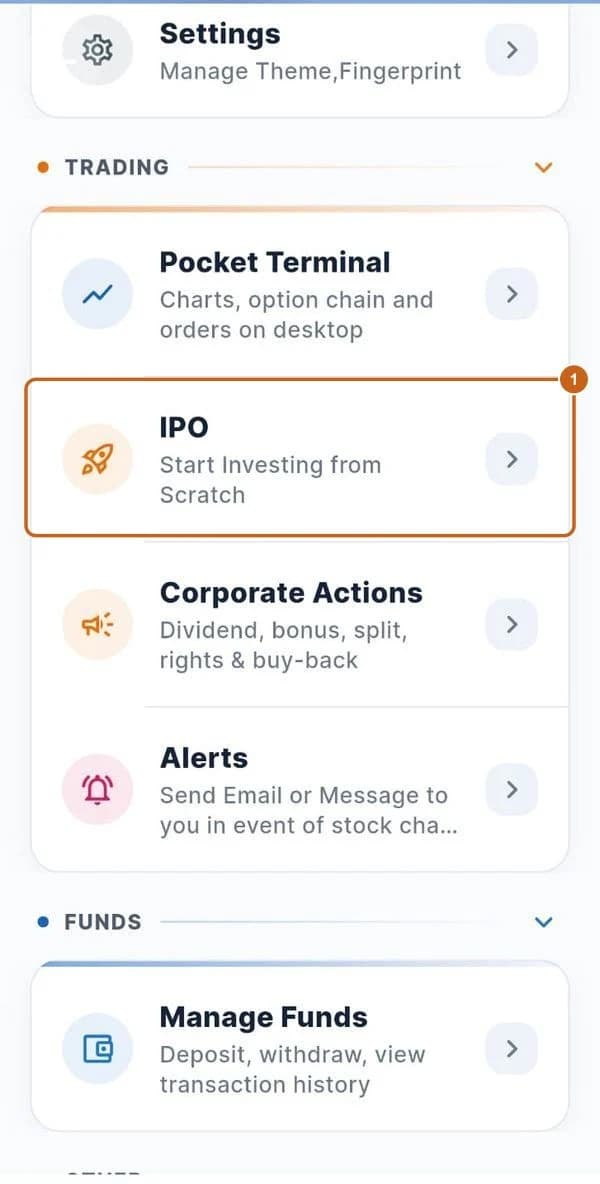
Profile menu with IPO highlighted

In this guide

  1. Open and upcoming IPOs

    Find IPOs that are open or coming up, and those you've applied for.

    4 steps →
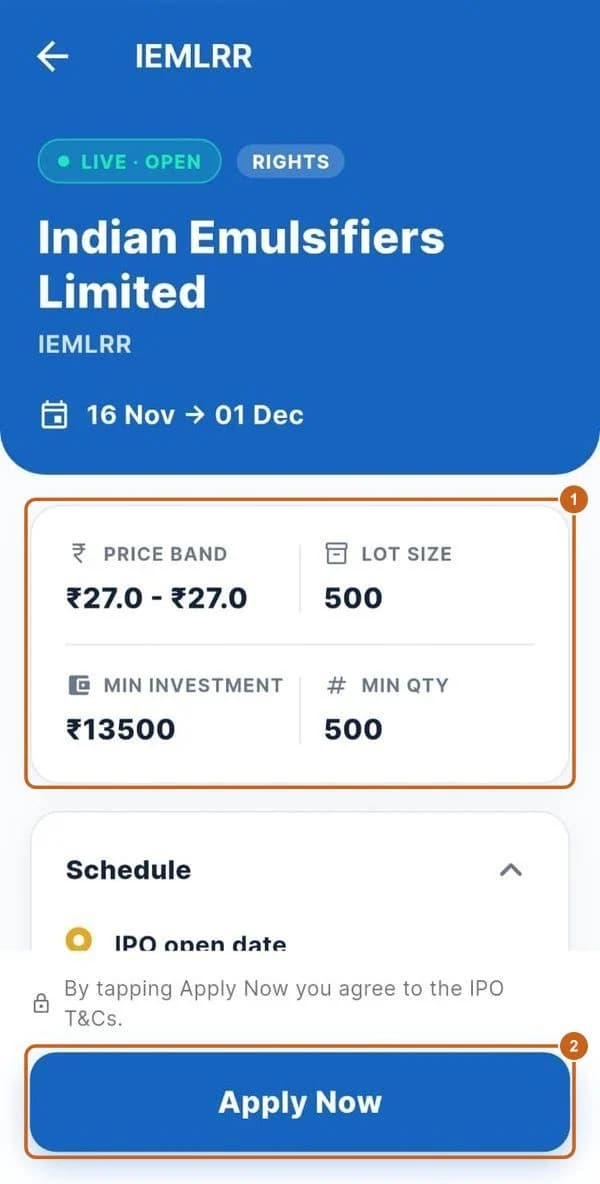
  2. IPO details

    Price band, lot size, schedule and subscription.

    3 steps →
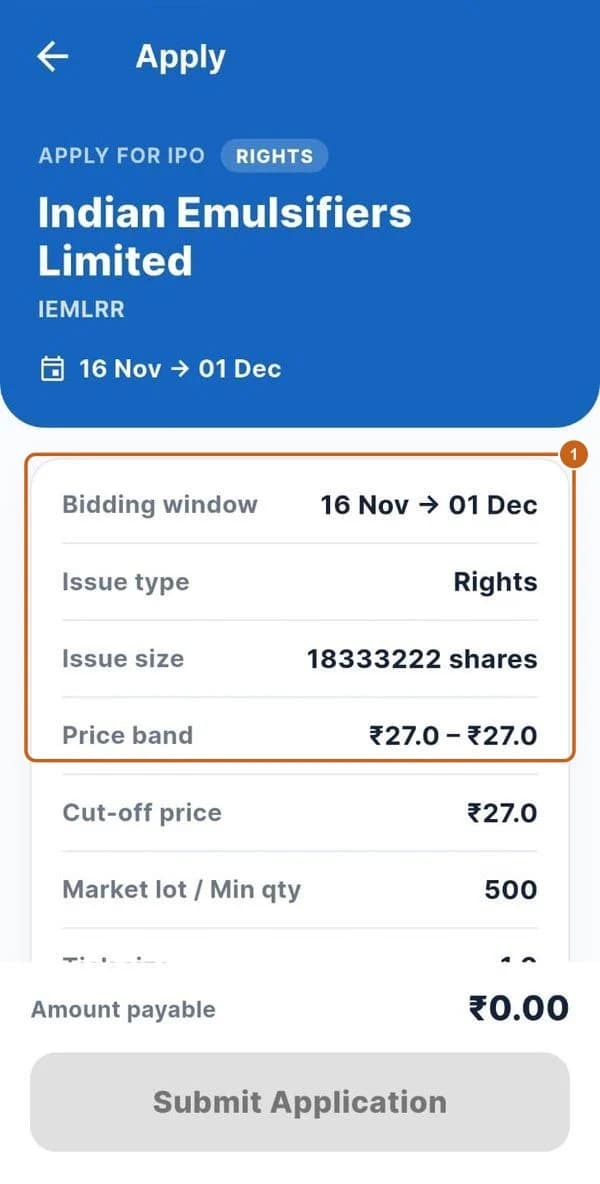
  3. Apply with UPI

    Enter your UPI ID, investor type and bids, then submit.

    8 steps →

Get started with ATS

Open a free demat & trading account, or let us call you back — just leave your number.

Create a Support Ticket

Tell us what you need help with — our team will get back to you shortly. Urgent? Call +91 766 727 3344.