PocketX app guide

Add and Withdraw Funds in the PocketX App

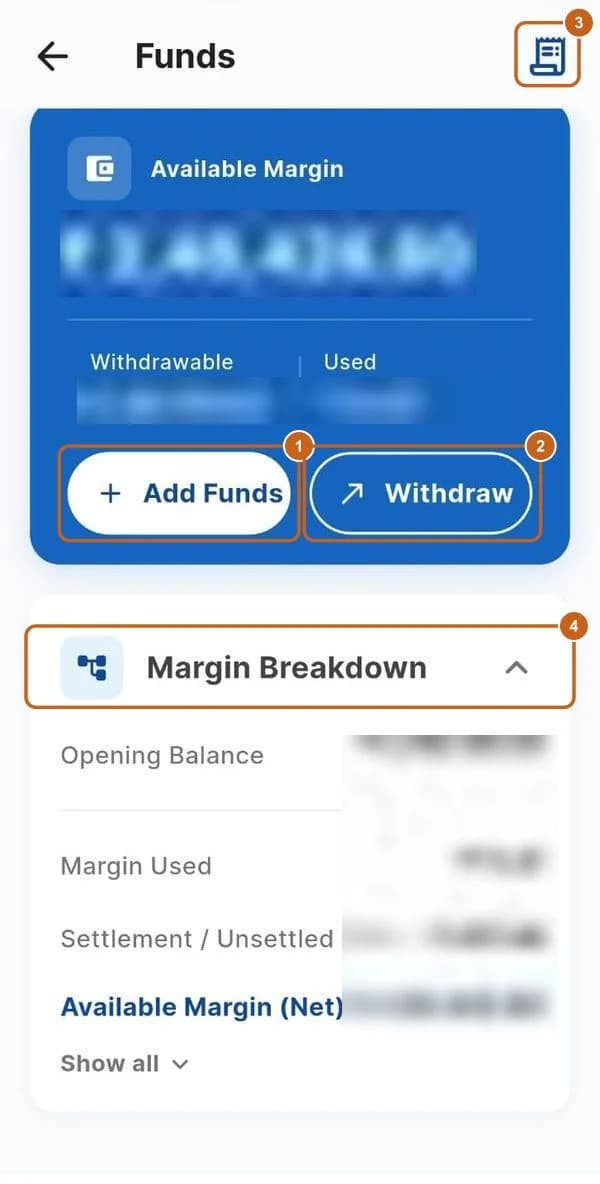
Funds shows your available margin and how it's made up. You can add money from your registered bank account, withdraw to it, and see every deposit and withdrawal. Open it from Add Funds on Home, or Manage Funds in your profile menu.

  • 4 sections
  • 13 steps
  • 2 min read
Funds screen with Add Funds, Withdraw, transaction history and Margin Breakdown highlighted (amounts blurred)

In this guide

  1. Your funds and margin

    Available margin, withdrawable balance and the margin breakdown.

    4 steps →
  2. Add funds

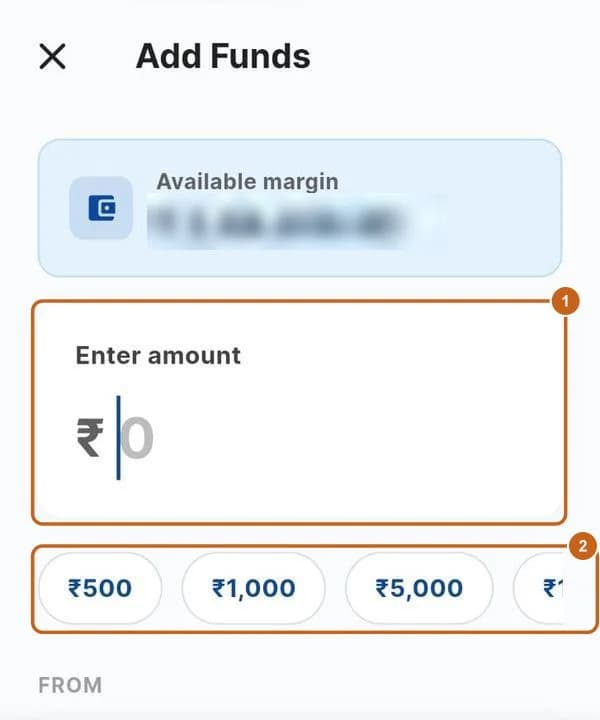
    Move money in from your registered bank account.

    4 steps →
  3. Withdraw funds

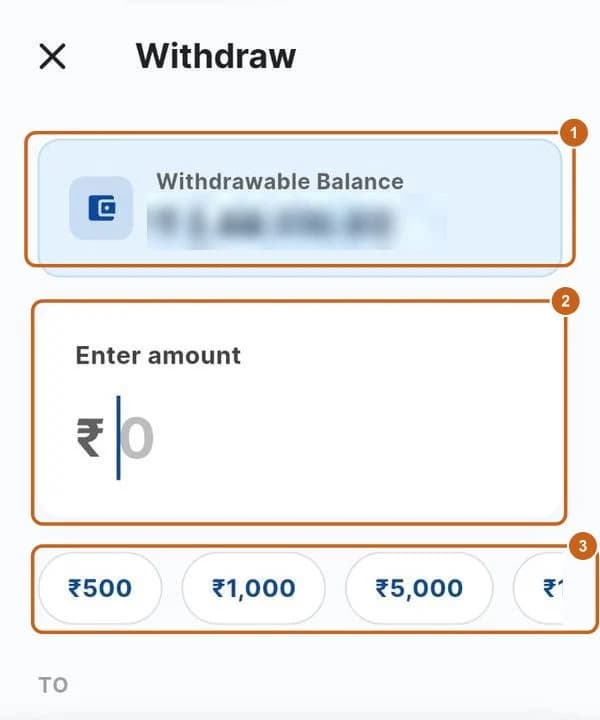
    Move money back to your bank account.

    3 steps →
  4. Transaction history

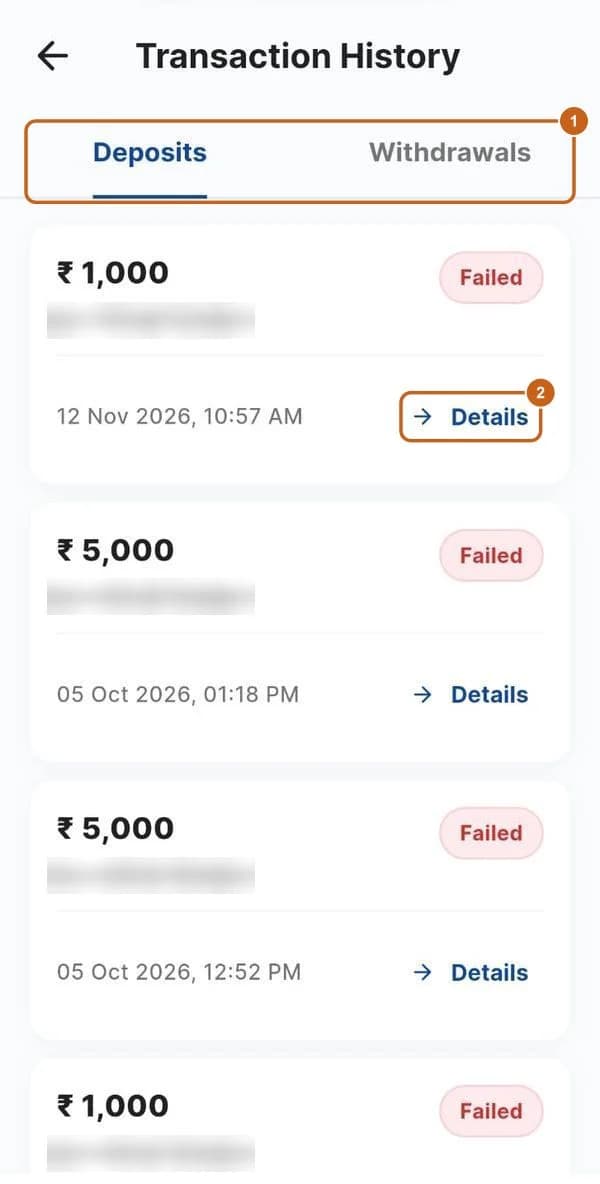
    Your deposits and withdrawals and their status.

    2 steps →

Get started with ATS

Open a free demat & trading account, or let us call you back — just leave your number.

Create a Support Ticket

Tell us what you need help with — our team will get back to you shortly. Urgent? Call +91 766 727 3344.