PocketX app guide

Profile, Account and Settings in the PocketX App

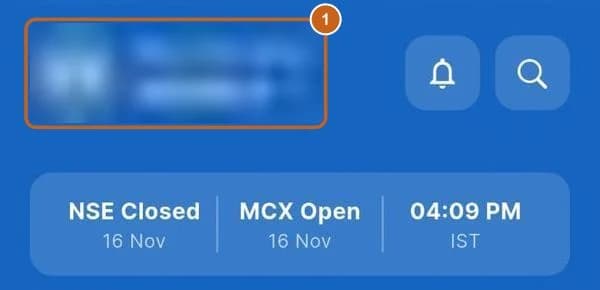
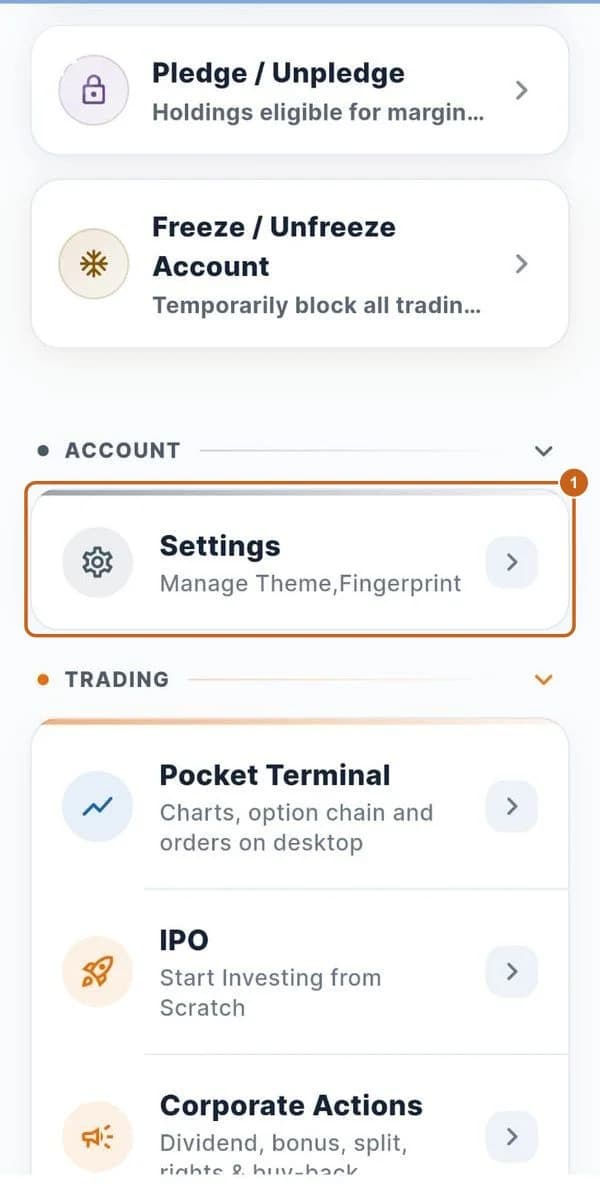
Tap your name on Home to open your profile. It holds your details and every account service: change your mobile or email, update income, activate MTF or POA/DDPI, add segments, pledge shares, freeze your account, change your password and log out.

  • 11 sections
  • 39 steps
  • 8 min read
Home header with the profile name highlighted (blurred)

In this guide

  1. Open your profile

    Your profile and personal details.

    5 steps →
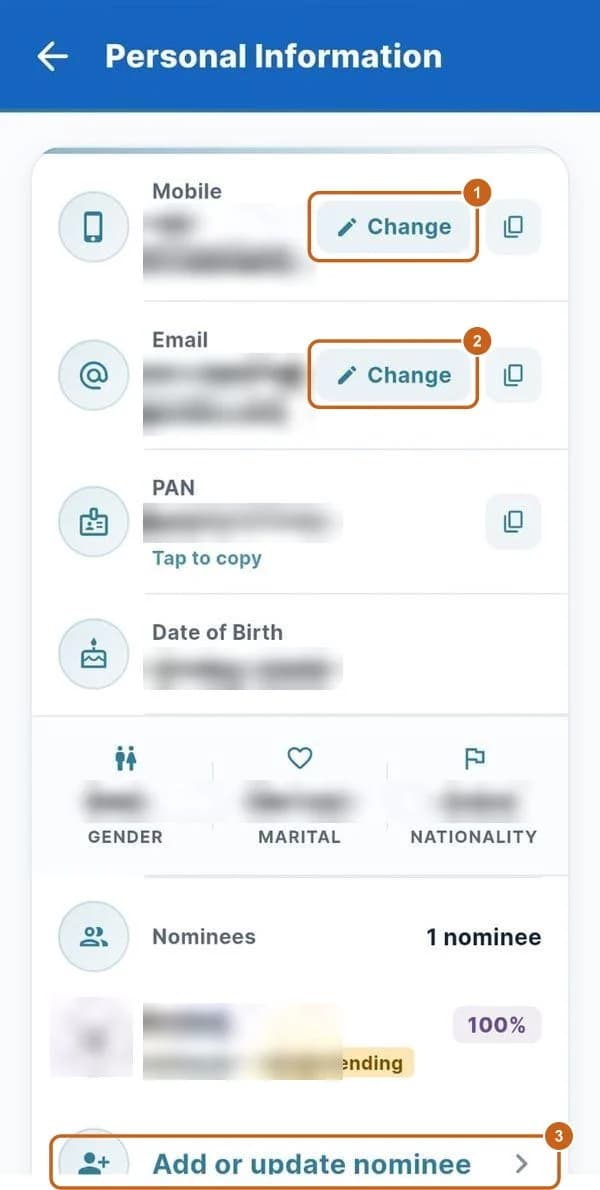
  2. Personal information and nominees

    Change your mobile number or email, and add or update nominees.

    3 steps →
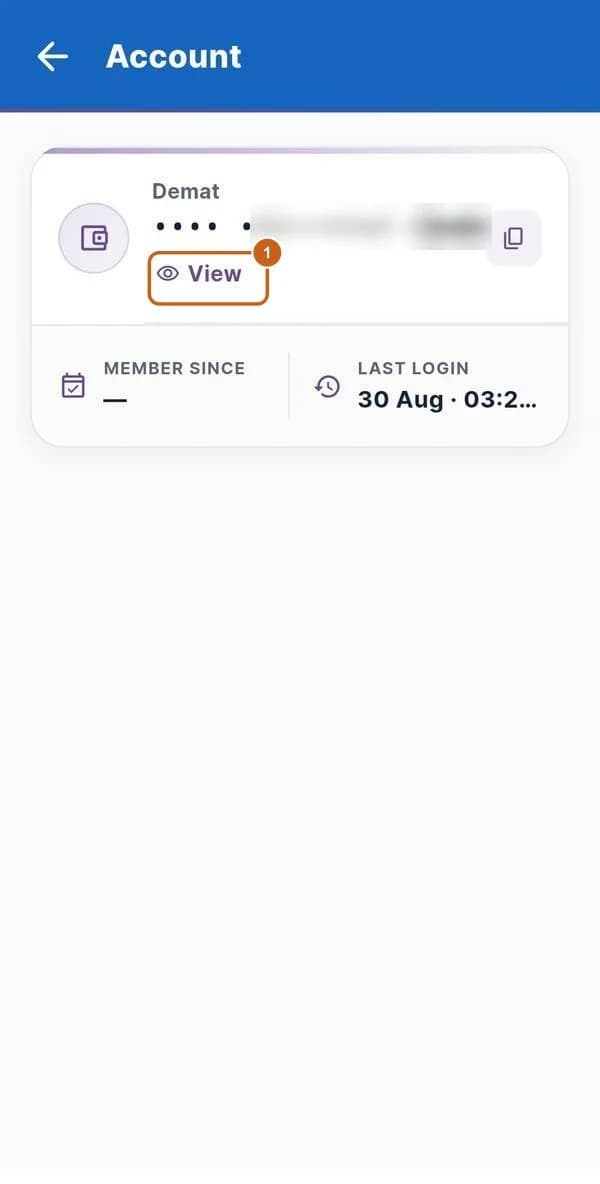
  3. Demat account and brokerage plan

    See your demat number and brokerage rates.

    2 steps →
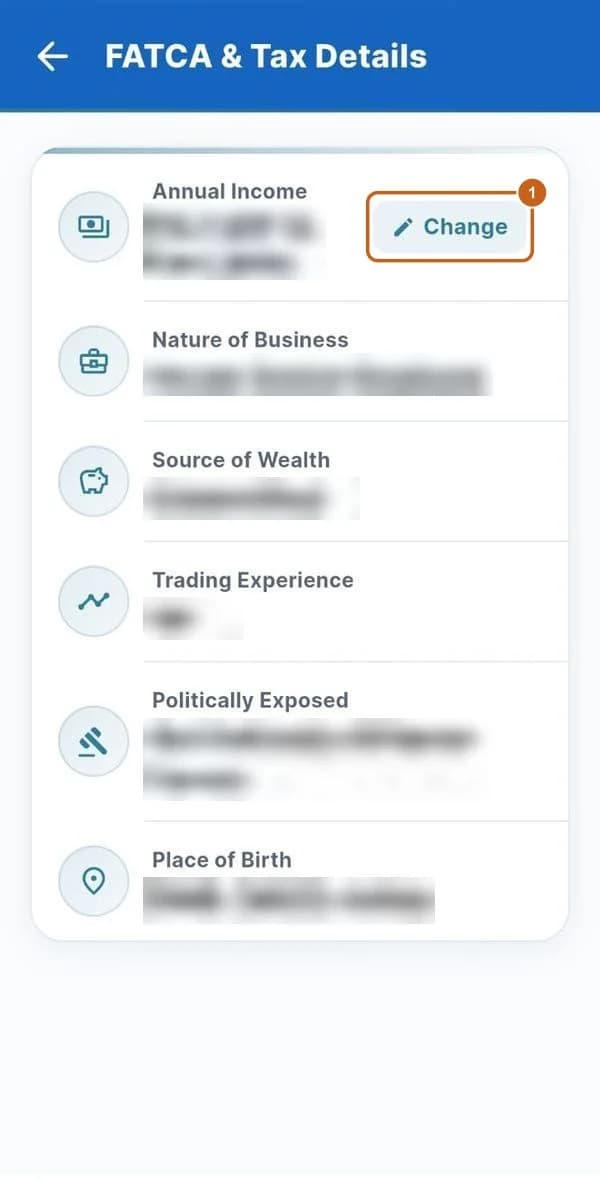
  4. FATCA and annual income

    Your FATCA details and how to update your annual income.

    6 steps →
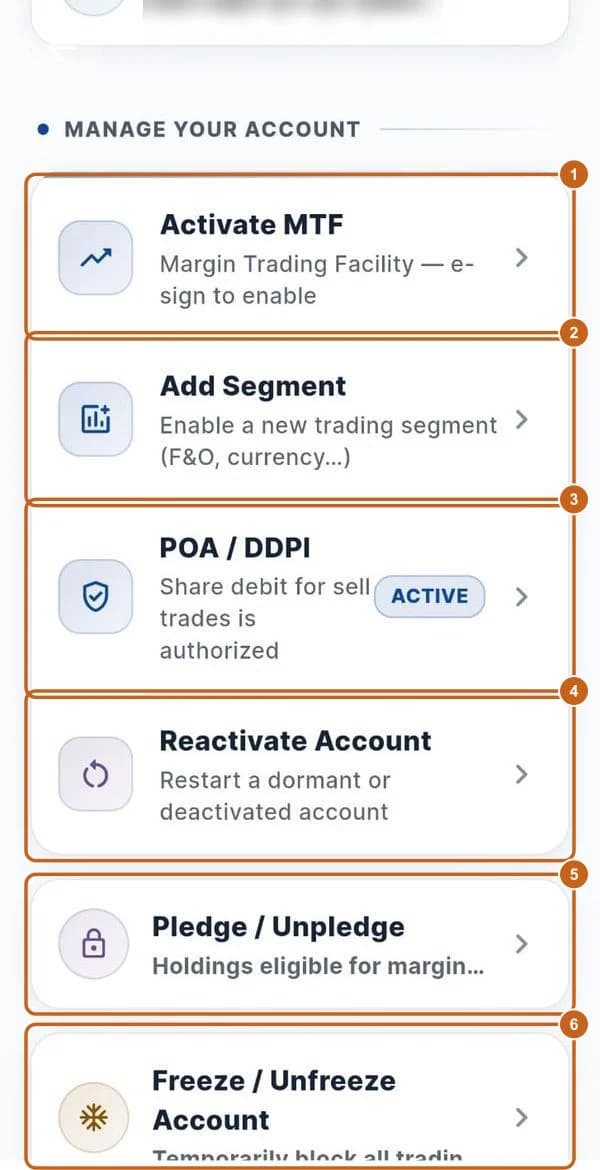
  5. Manage your account

    MTF, segments, POA/DDPI, reactivation, pledge and freeze.

    6 steps →
  6. Activate MTF or POA / DDPI

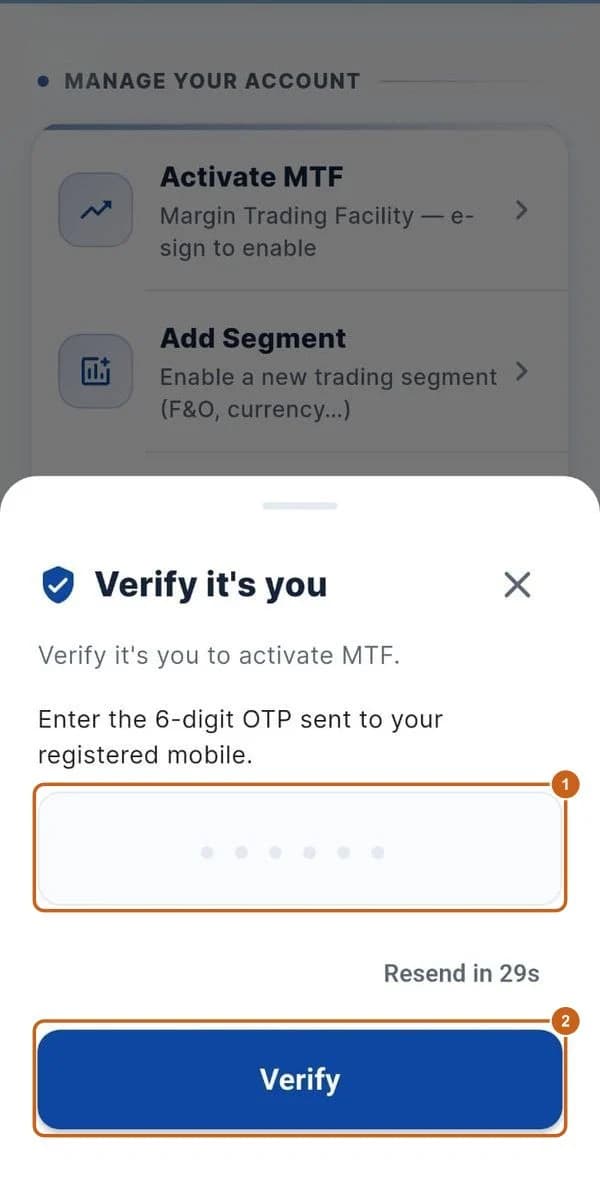
    Verify with an OTP to activate MTF or POA/DDPI.

    2 steps →
  7. Trading segments

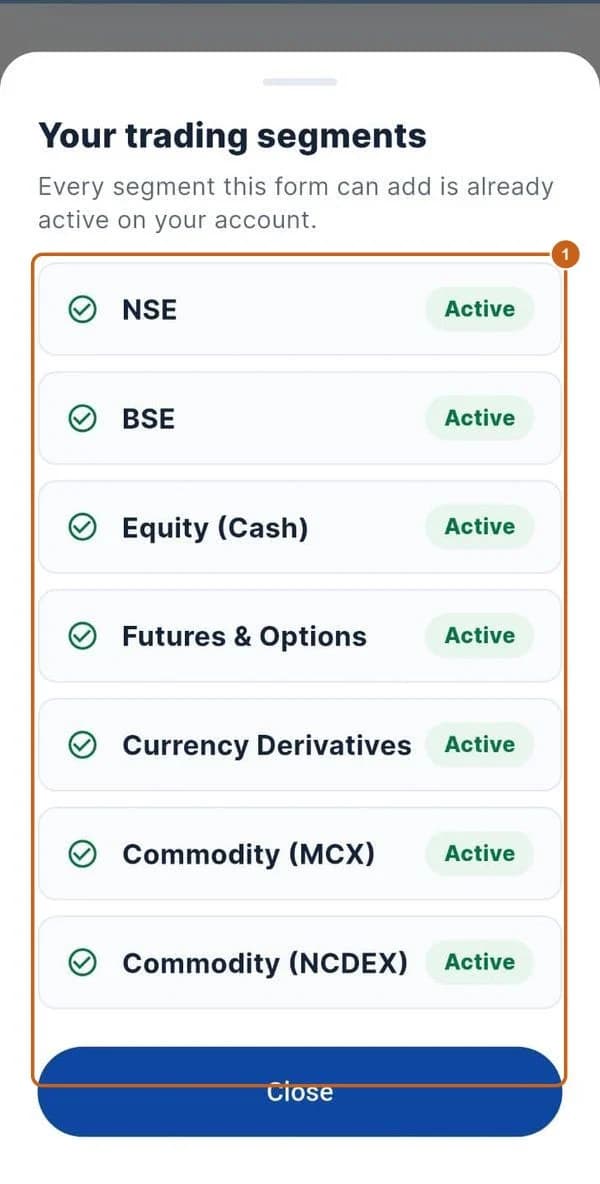
    See which segments are active.

    1 step →
  8. Pledge holdings for margin

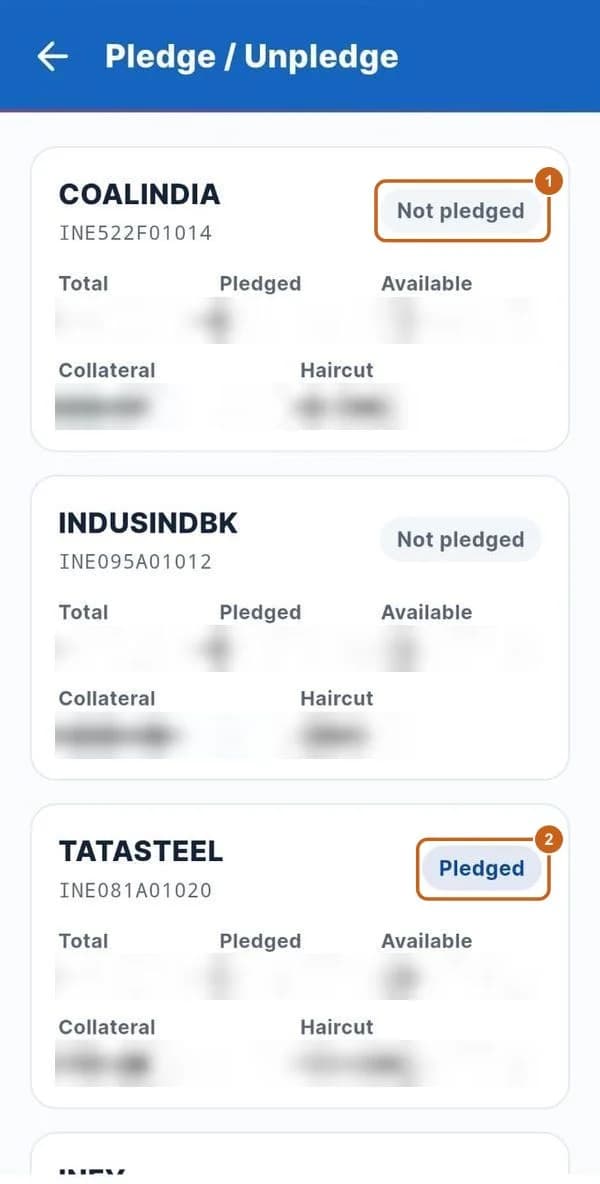
    See which holdings are pledged and their collateral value.

    2 steps →
  9. Freeze or unfreeze your account

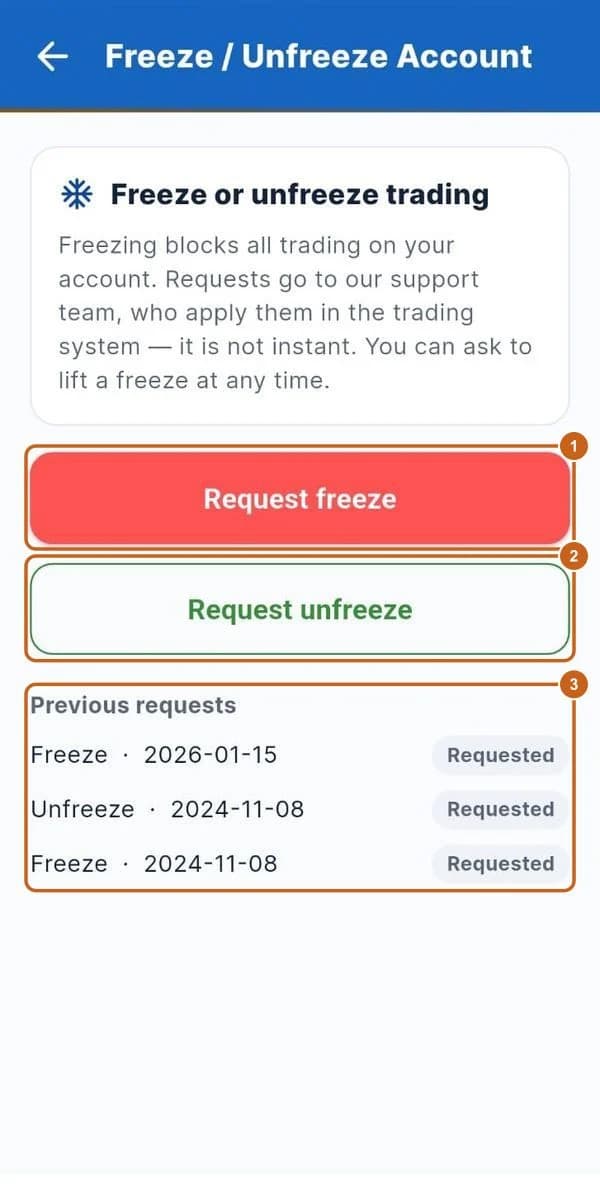
    Block all trading temporarily, or lift a freeze.

    3 steps →
  10. Settings, help and logout

    Change password, fingerprint login, Axon reports, contact us and logout.

    6 steps →
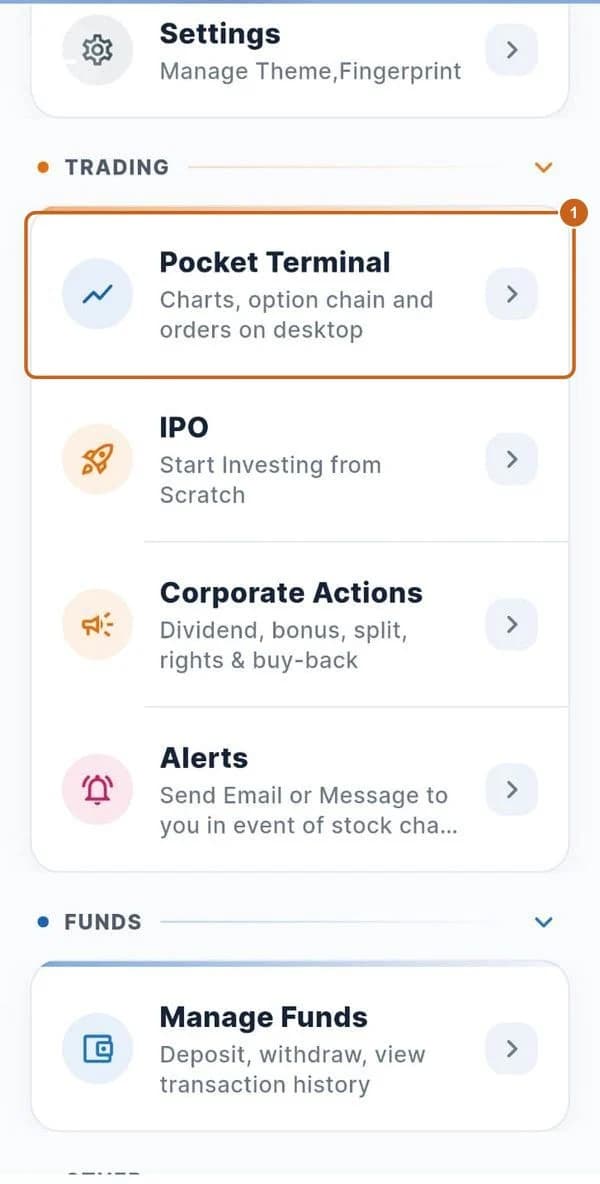
  11. Open the Pocket Terminal

    Move to the bigger desktop terminal.

    3 steps →

Get started with ATS

Open a free demat & trading account, or let us call you back — just leave your number.

Create a Support Ticket

Tell us what you need help with — our team will get back to you shortly. Urgent? Call +91 766 727 3344.